▲ RETROMAC ▼ macOSVersion 3.0 is out now!See what's new ↓
Turn your Mac into a time machine.
Transform your whole Mac into a retro workstation - CRT shaders, classic OS themes, retro dock, boot screens and more. One click, no restart.
Use everything, or just one piece. Built it for myself. Turns out a few thousand people wanted it too.
- Full Desktop Takeover
- CRT Shaders
- Classic Themes
- Retro Dock
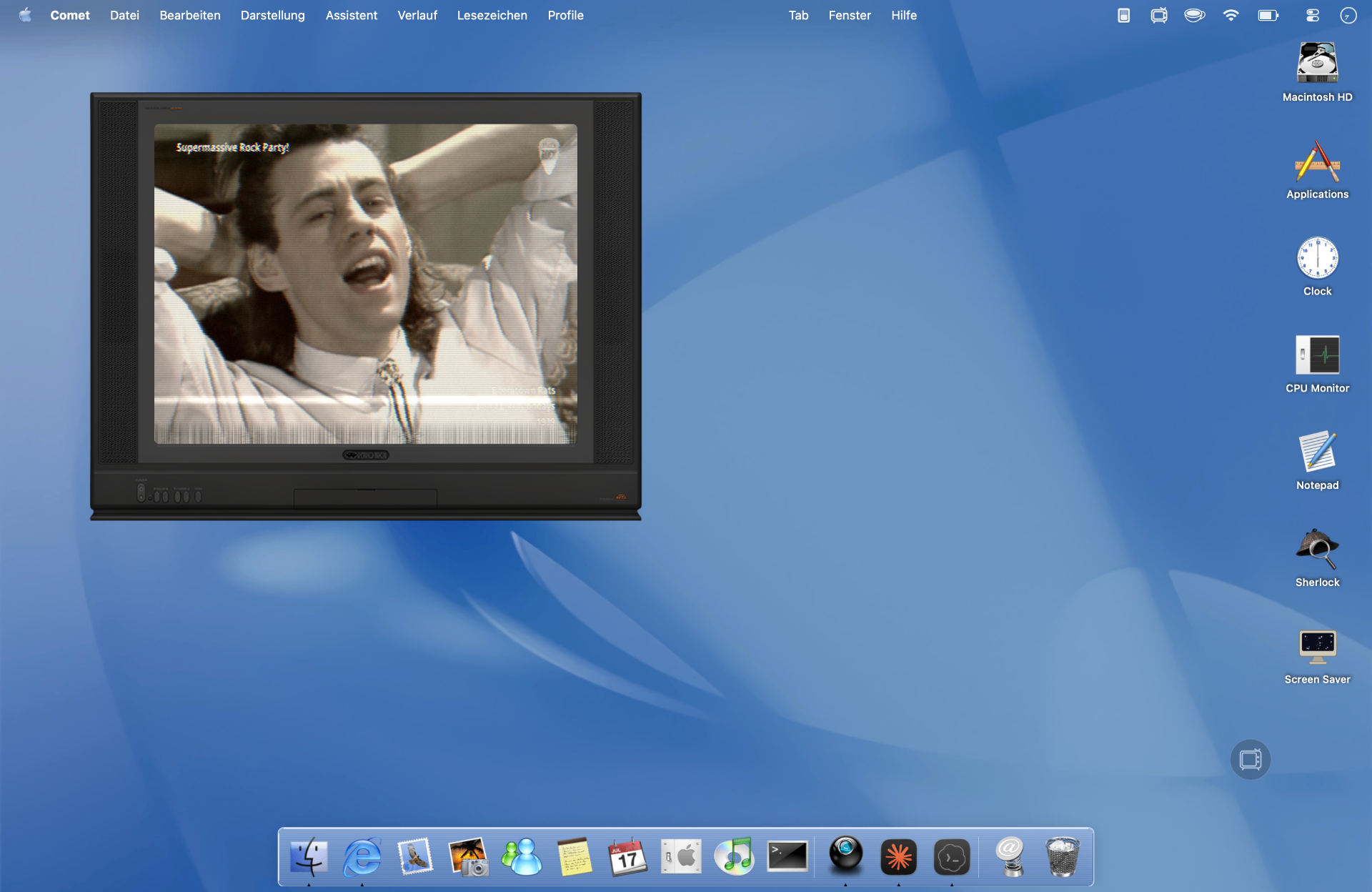
- Retro TV
Free, no account · 20 shaders for free, more if you want · Whole screen or just one window - * Free and open source. No account, no spam, no tracking, no system files touched, no SIP to disable. Webcam shader, live wallpaper and custom shaders come as a one-time purchase.

t3n
"The free app RetroMac lets you give your current macOS version a fresh Aqua look."
TidBITS
"RetroMac and Reframe Let You Theme Your Mac Like It's 1999."
maclife.de
"The sharp Retina panel becomes a CRT nobody missed - and suddenly everyone wants it back."
Mac life Magazin
"RetroMac is App of the Month in Mac life Magazine."
◆ PICK YOUR RETRO ◆
One app. Many ways in.
Use everything at once, or just the piece you came for.
- 01 / 10
Full Theme Takeover
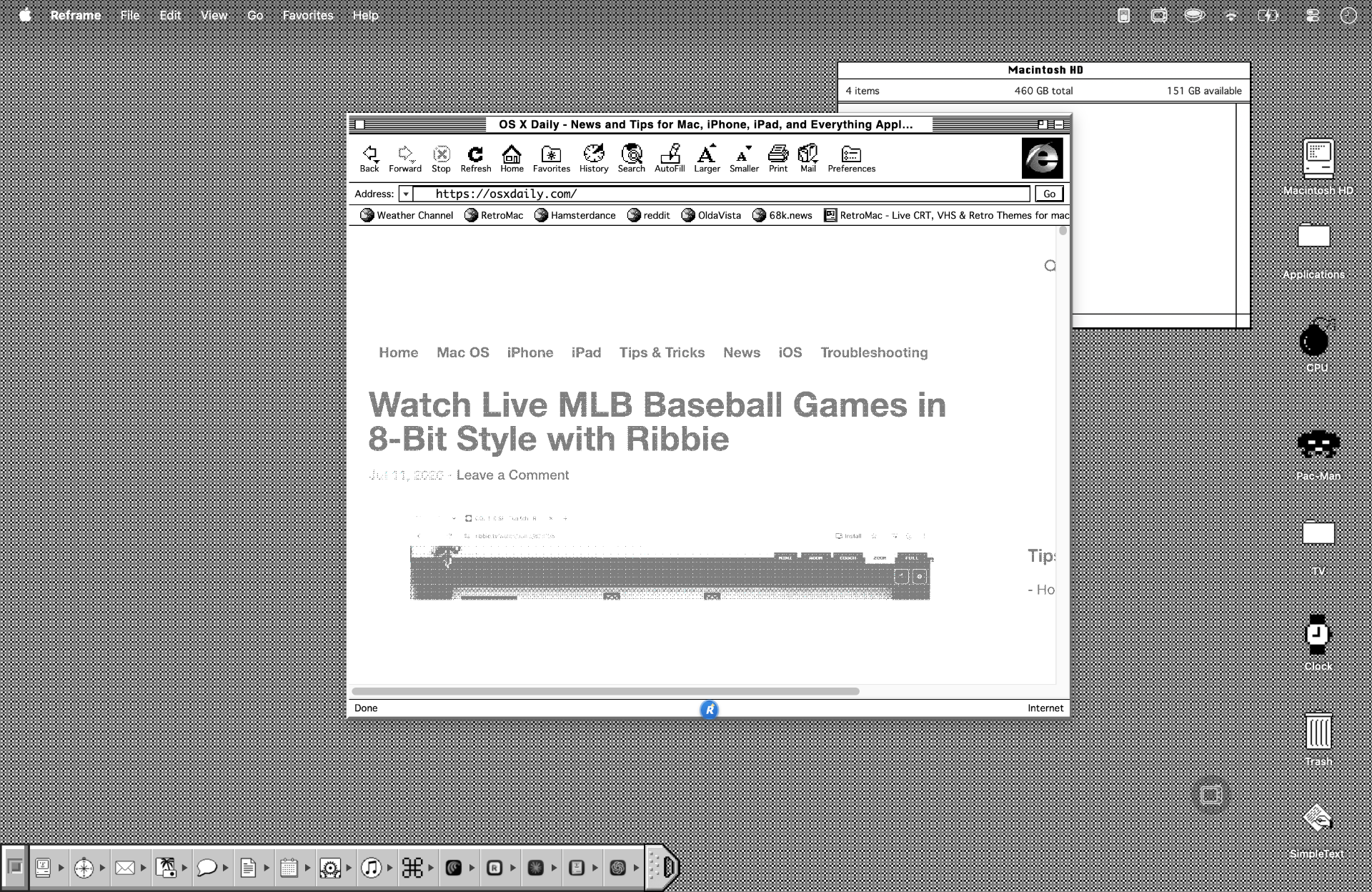
Wallpaper, dock, boot screen, screensaver, shader - the whole Mac becomes a Windows 98 PC, a Mac OS 9 machine or a BeOS workstation.
Best for: showcase setups, videos, nostalgia sessions.
See themes → - 02 / 10
Just a CRT Shader
Leave your Mac exactly as it is - and drop a live CRT, VHS or LCD look over the whole screen or a single window.
Best for: writing, terminals, retro gaming, screen recordings.
See shaders → - 03 / 10
Just the Retro Dock
Swap the macOS dock for a Mac OS 9 Control Strip, an OS X Aqua bar, or a Windows 98 taskbar. Everything else stays modern.
Best for: daily driver with a nostalgic accent.
See docks → - 04 / 10
Just a Retro TV
Open a small Retro TV window on your desktop. YouTube, IPTV, M3U streams or web bookmarks - inside a real CRT frame.
Best for: lo-fi streams, music videos, TV on the side.
See Tube Mode → - 05 / 10
CRT as Live Wallpaper
Use the CRT shader as an animated live wallpaper behind your desktop. Subtle phosphor glow and scanlines - without touching any of your apps.
Best for: keeping the retro vibe without the shader on top of everything.
See live wallpaper → - 06 / 10
Authentic Title Bars
Give modern Mac windows the chrome of their era - from classic Windows title bars to Aqua and Platinum - while the apps underneath keep working as usual.
Best for: making everyday apps feel convincingly retro.
See title bars → - 07 / 10NEW
Your theme. Your Spaces.
Apply your retro theme only to the Spaces you choose. The others stay regular macOS, so you can switch between past and present.
A retro workspace, without taking over every desktop.
- 08 / 10NEW
Rescue Desktop
One shortcut, ⌃⌥⌘R, turns everything off and brings lost windows back, even across all Spaces.
Back to normal, with your windows in reach.
- 09 / 10NEW
Historical Icon Packs
Bring the look of classic desktops to your icons with historical icon packs. Small details, a familiar feeling.
More of the era, down to the icons.
- 10 / 10NEW
The Built-in App Loader
Load additional, optional apps right from RetroMac. Pick the extras you want to round out your retro setup.
A little more nostalgia. Only if you want it.
30+ shaders. Endless eras.
Pick one - your whole screen instantly looks like it.
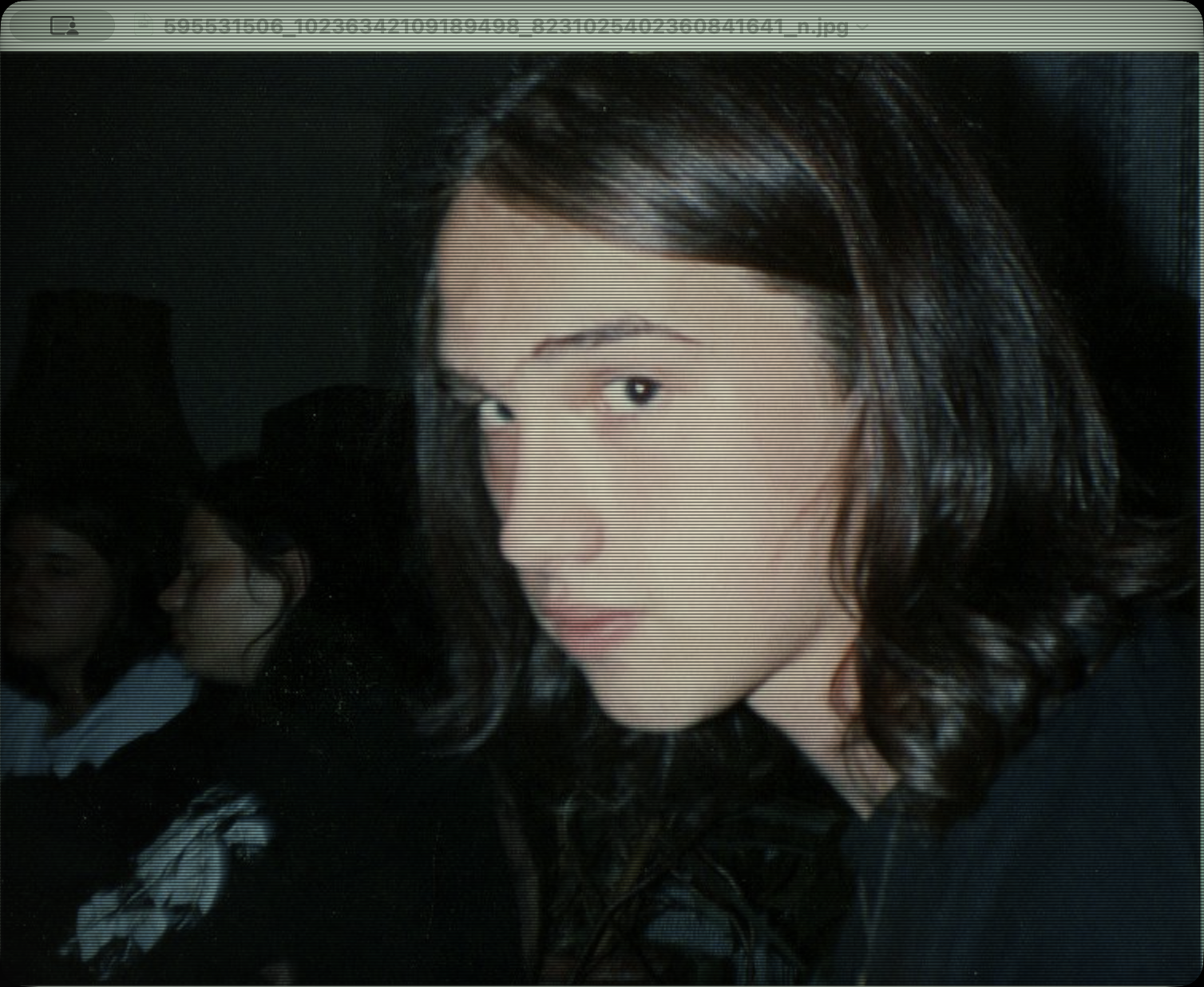
CRT Royal
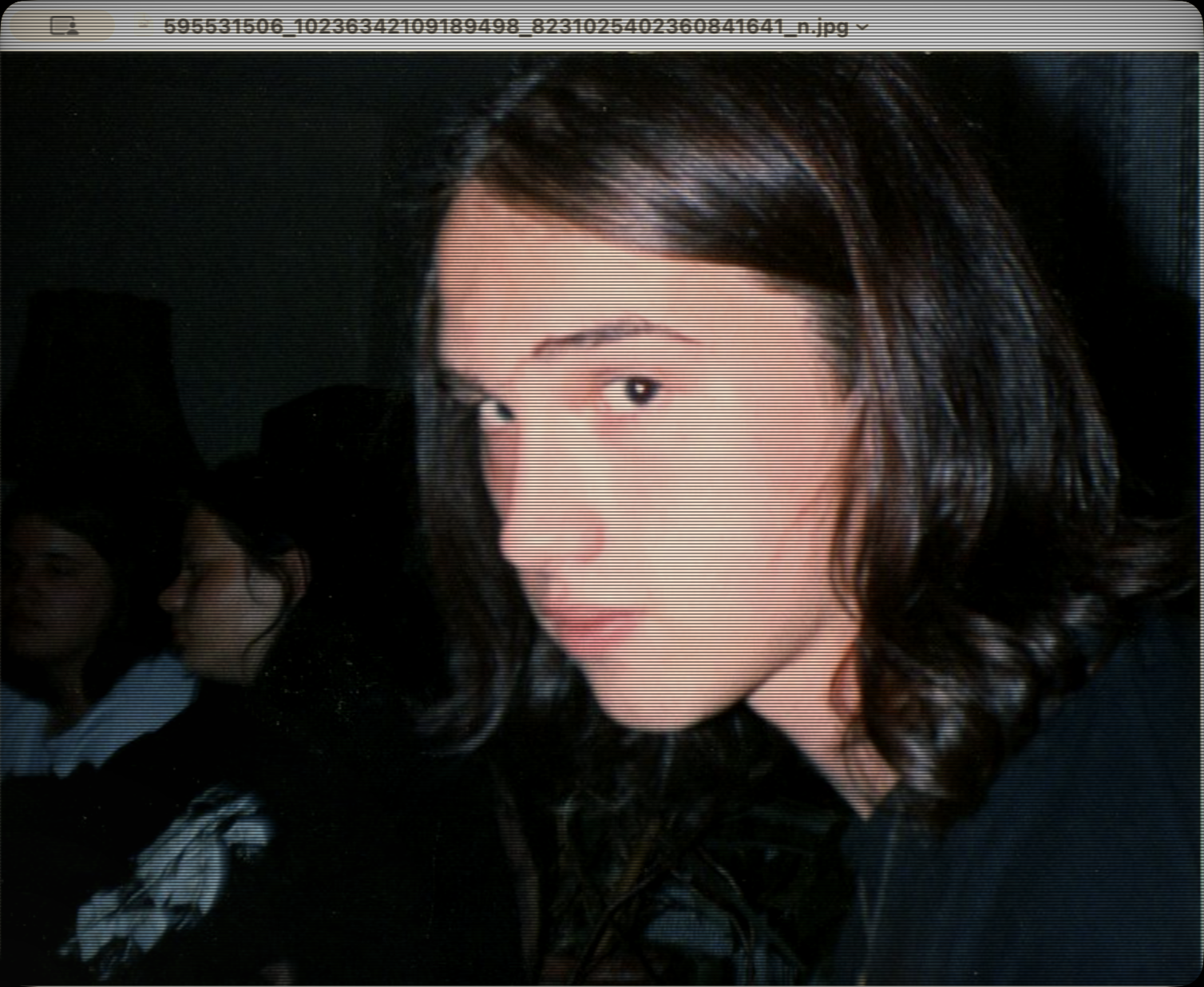
Sony Trinity
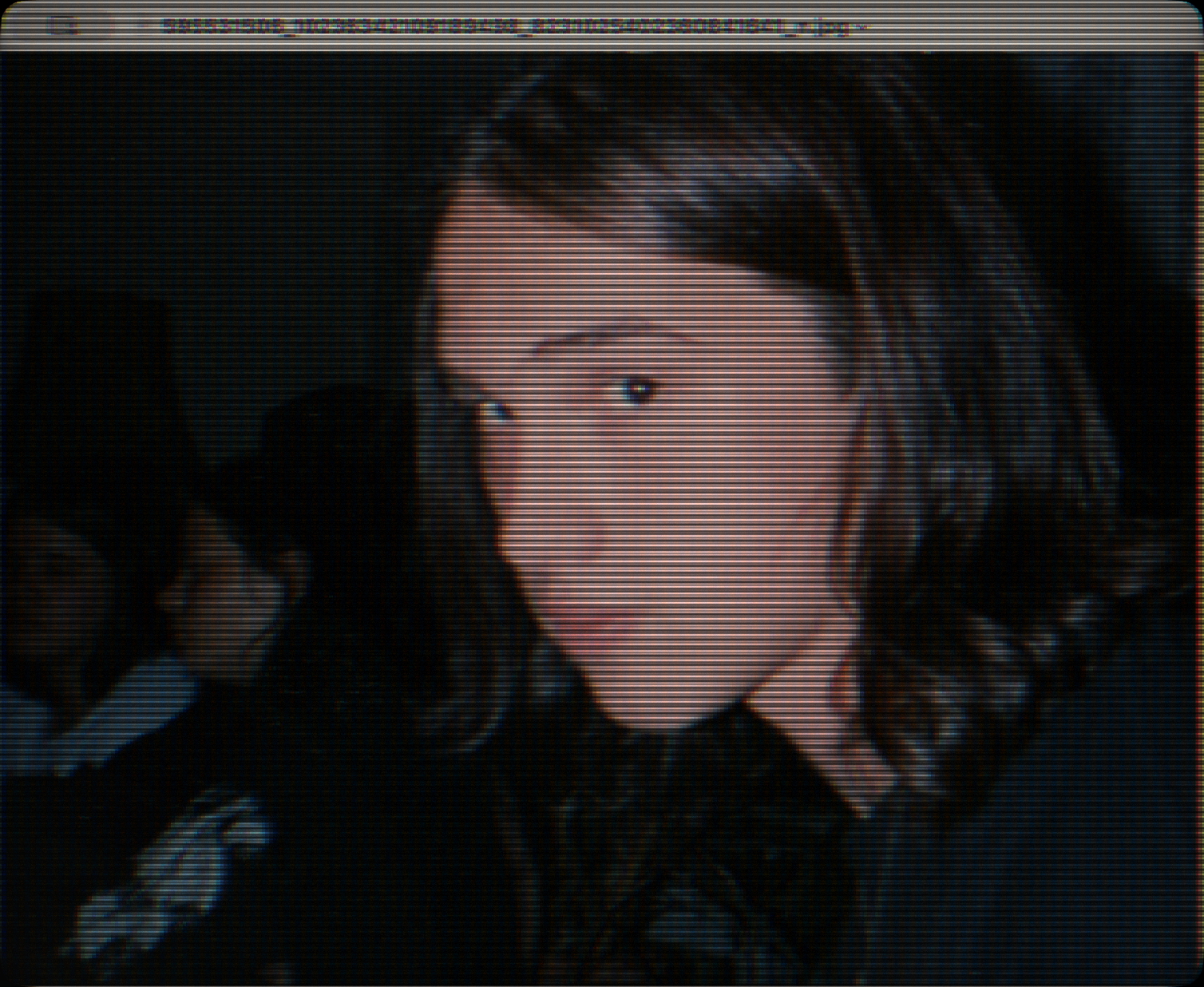
NTSC Composite
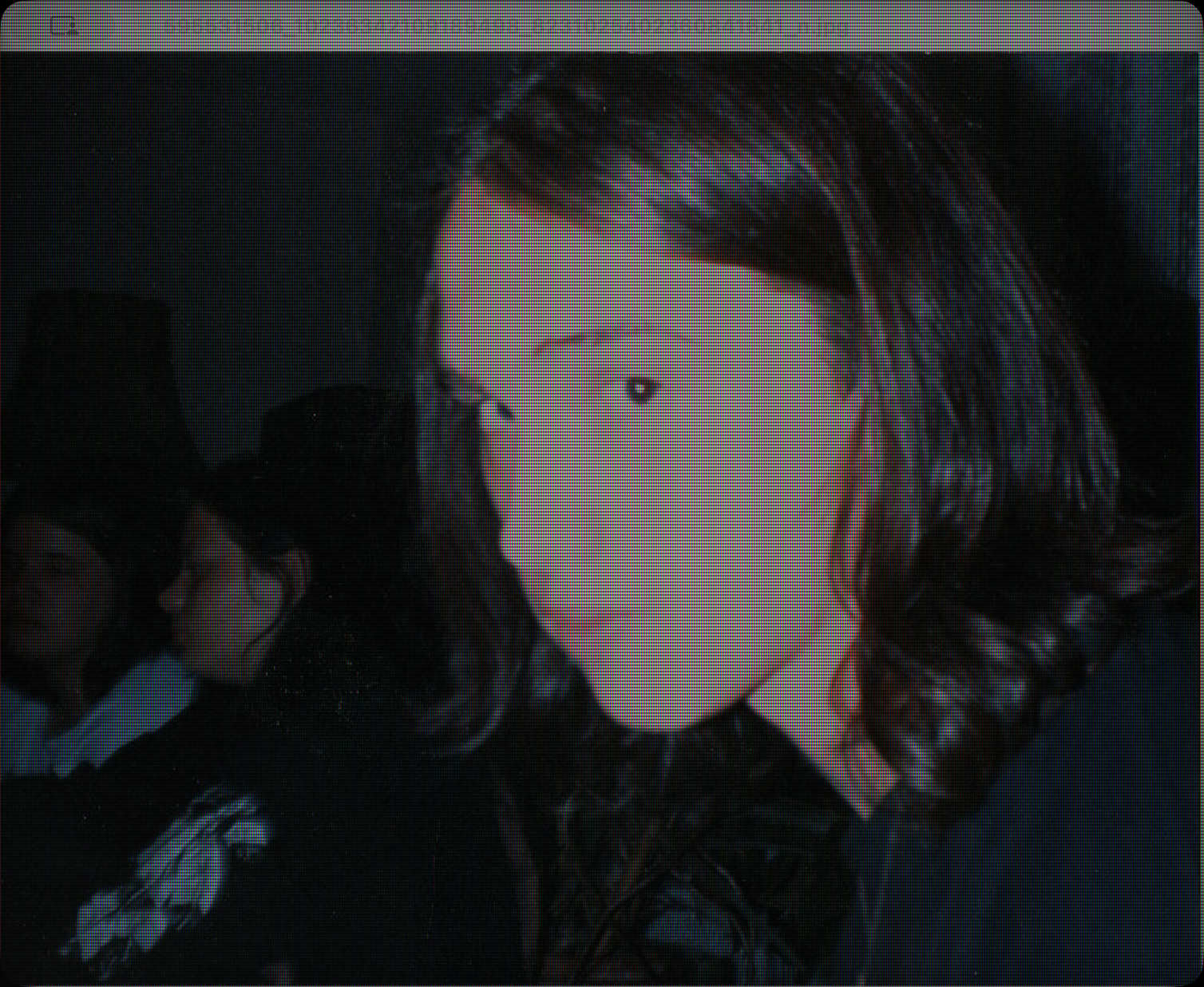
Retro LCD
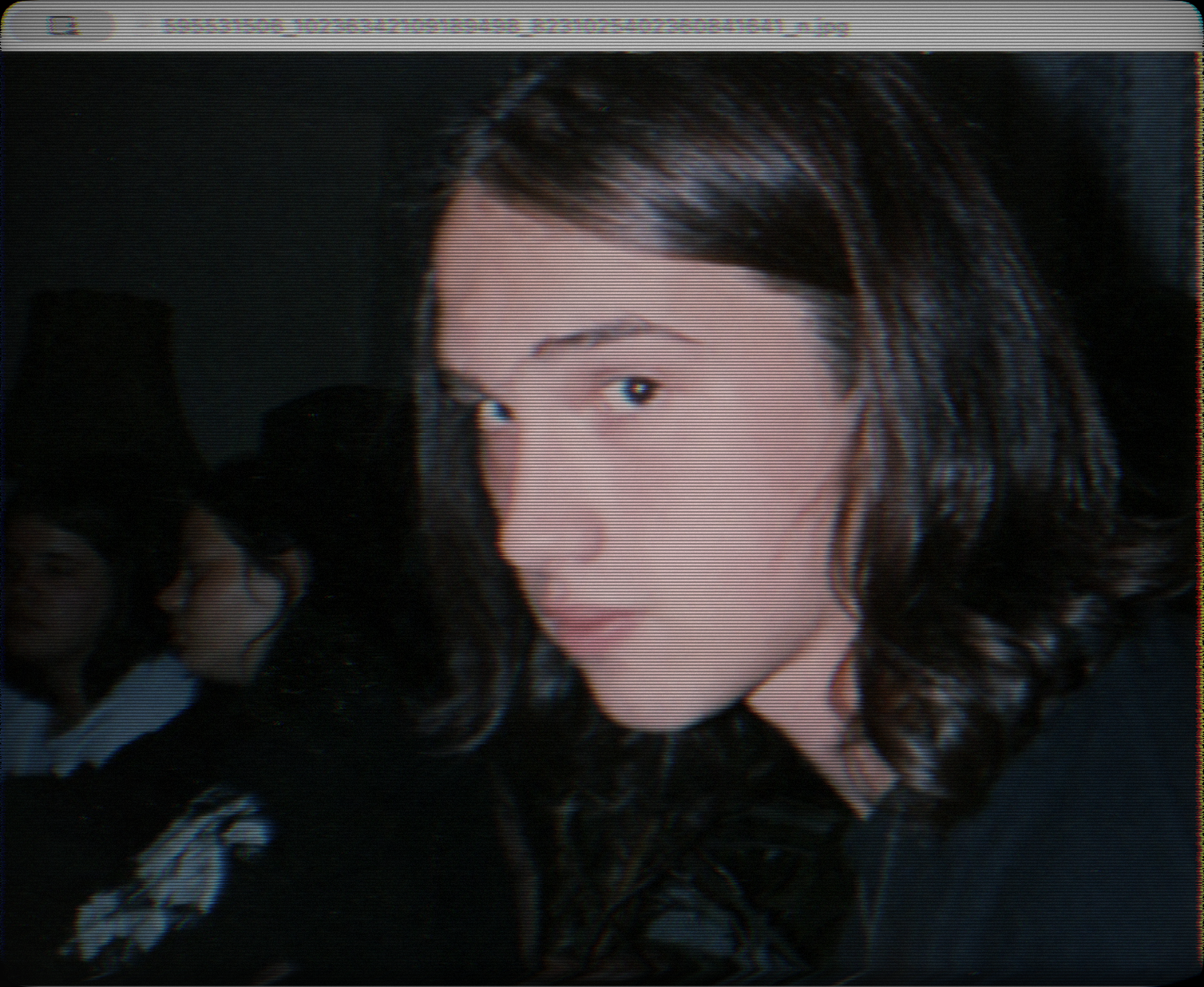
VHS
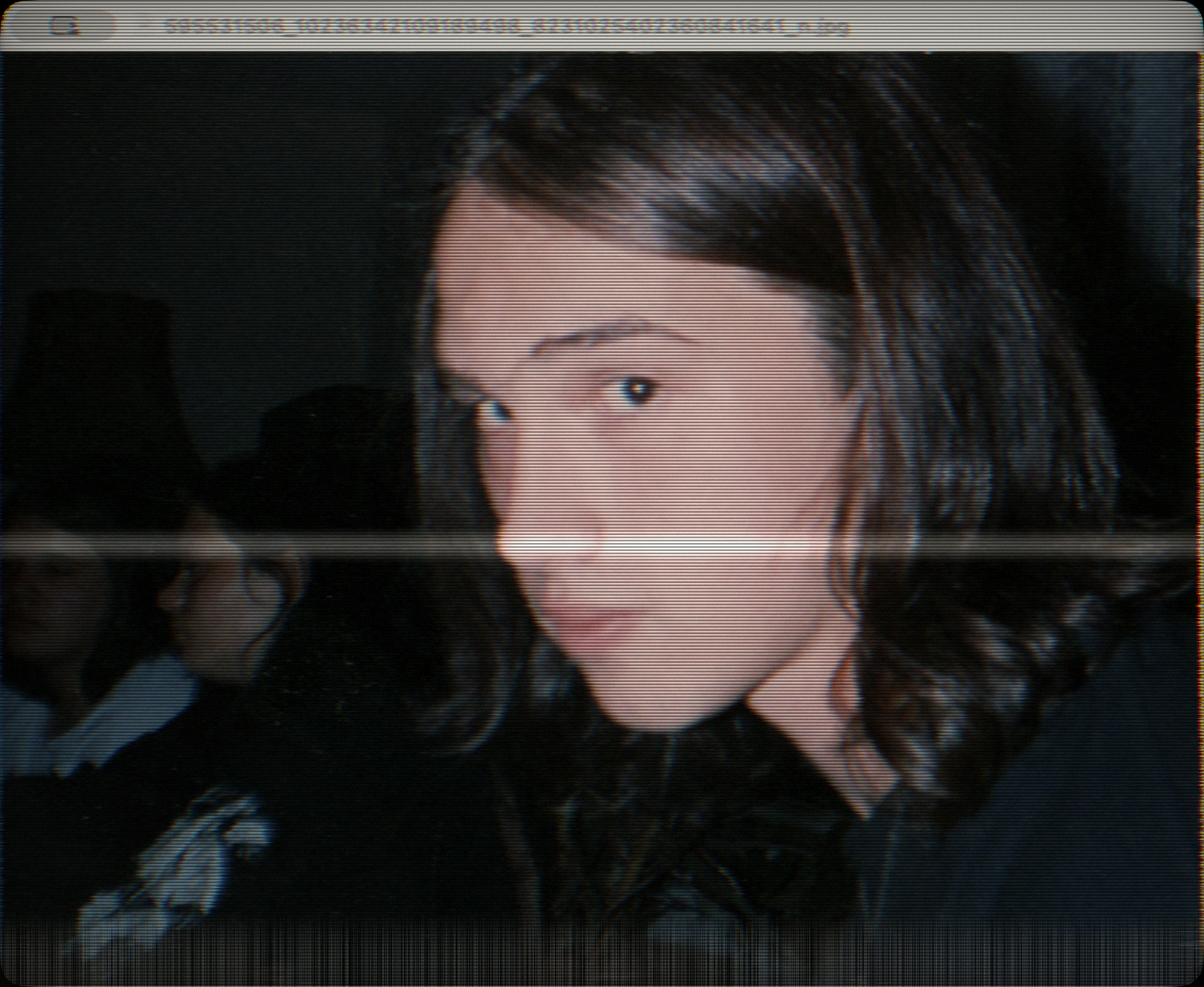
VCR
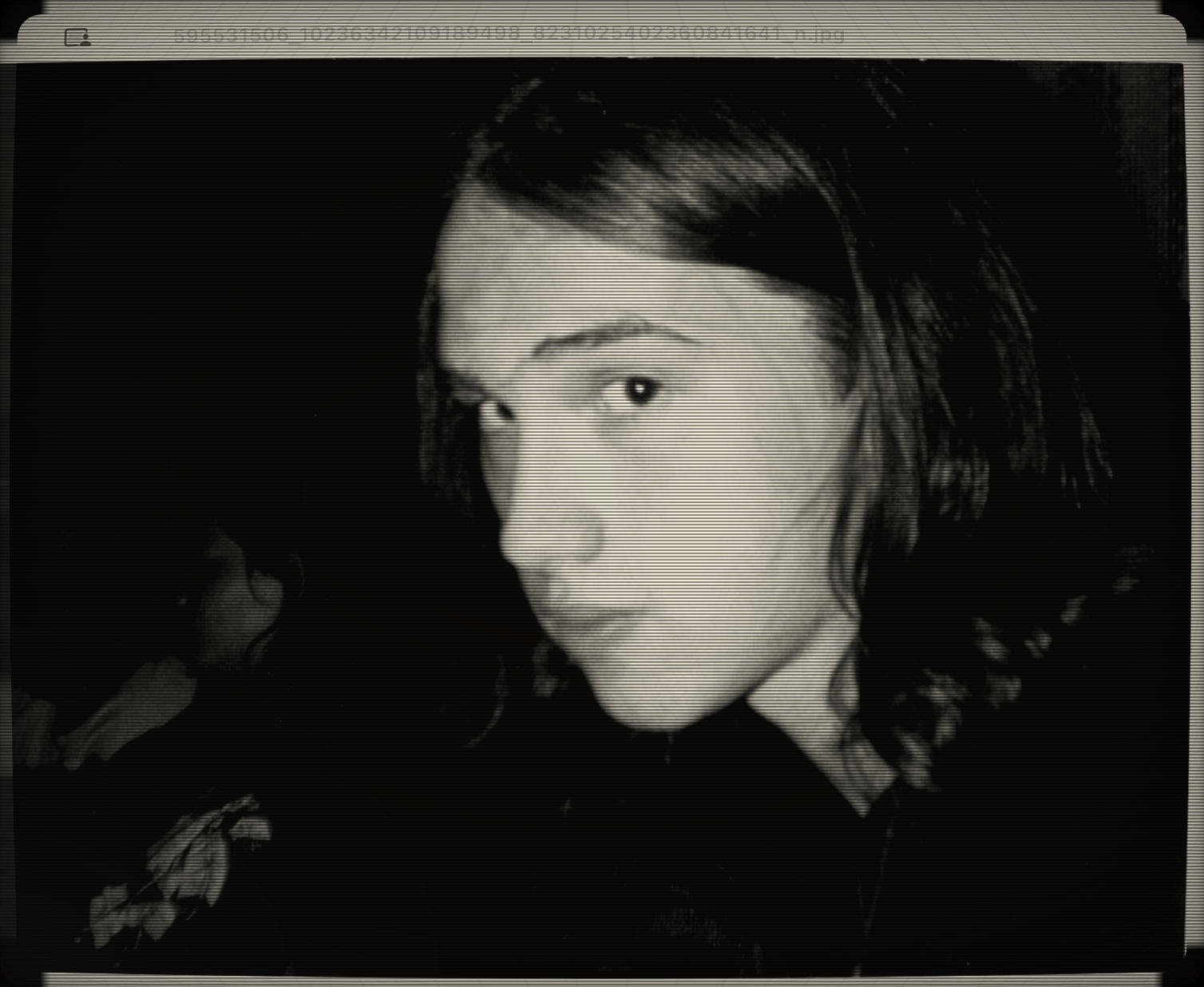
Macintosh Classic
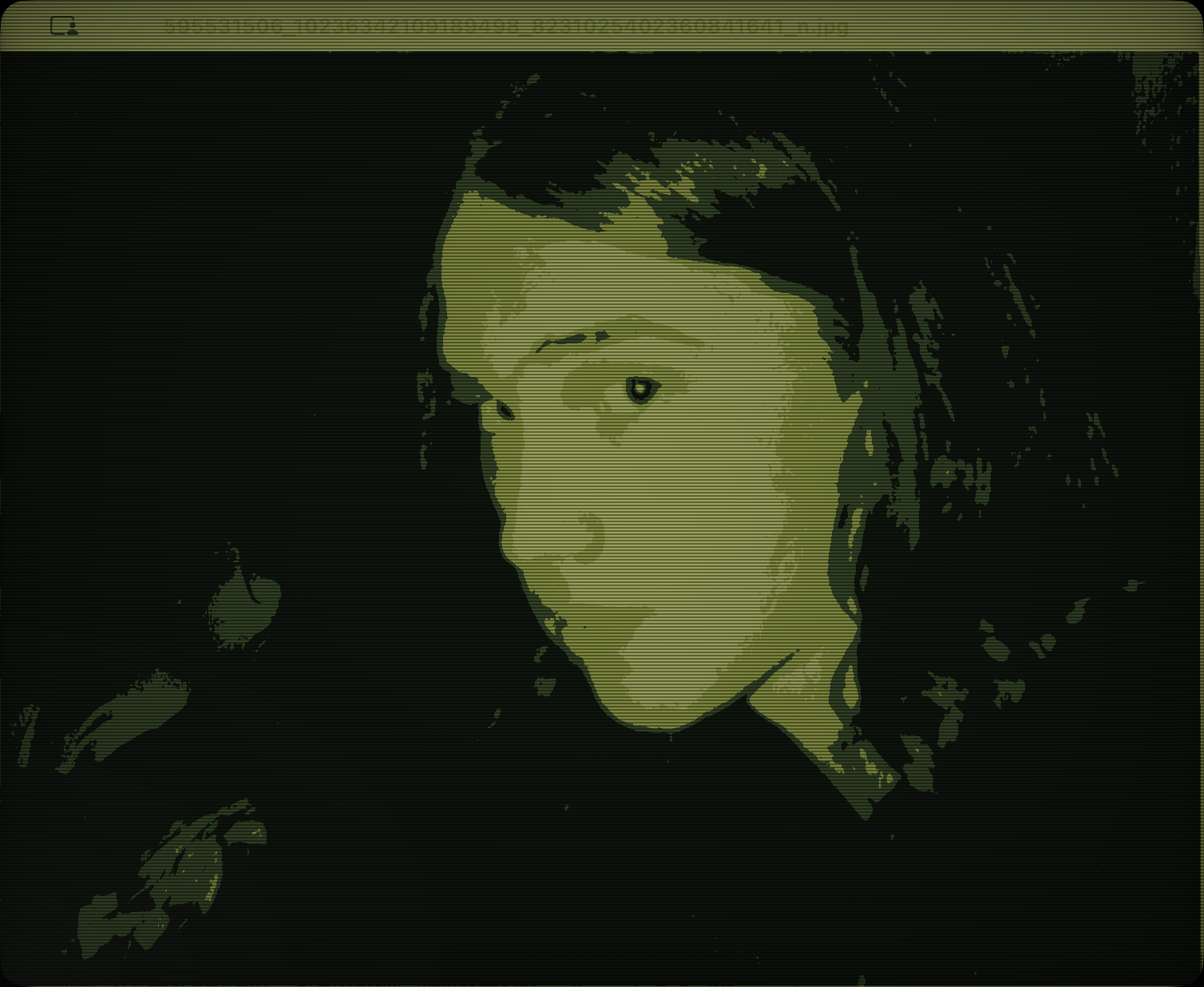
Game Boy
◆ THEMES ◆
A few impressions.
New: more authentic Windows 98, XP, Mac OS X, Mac OS 9 and BeOS - now with Solitaire, Minesweeper & friends.
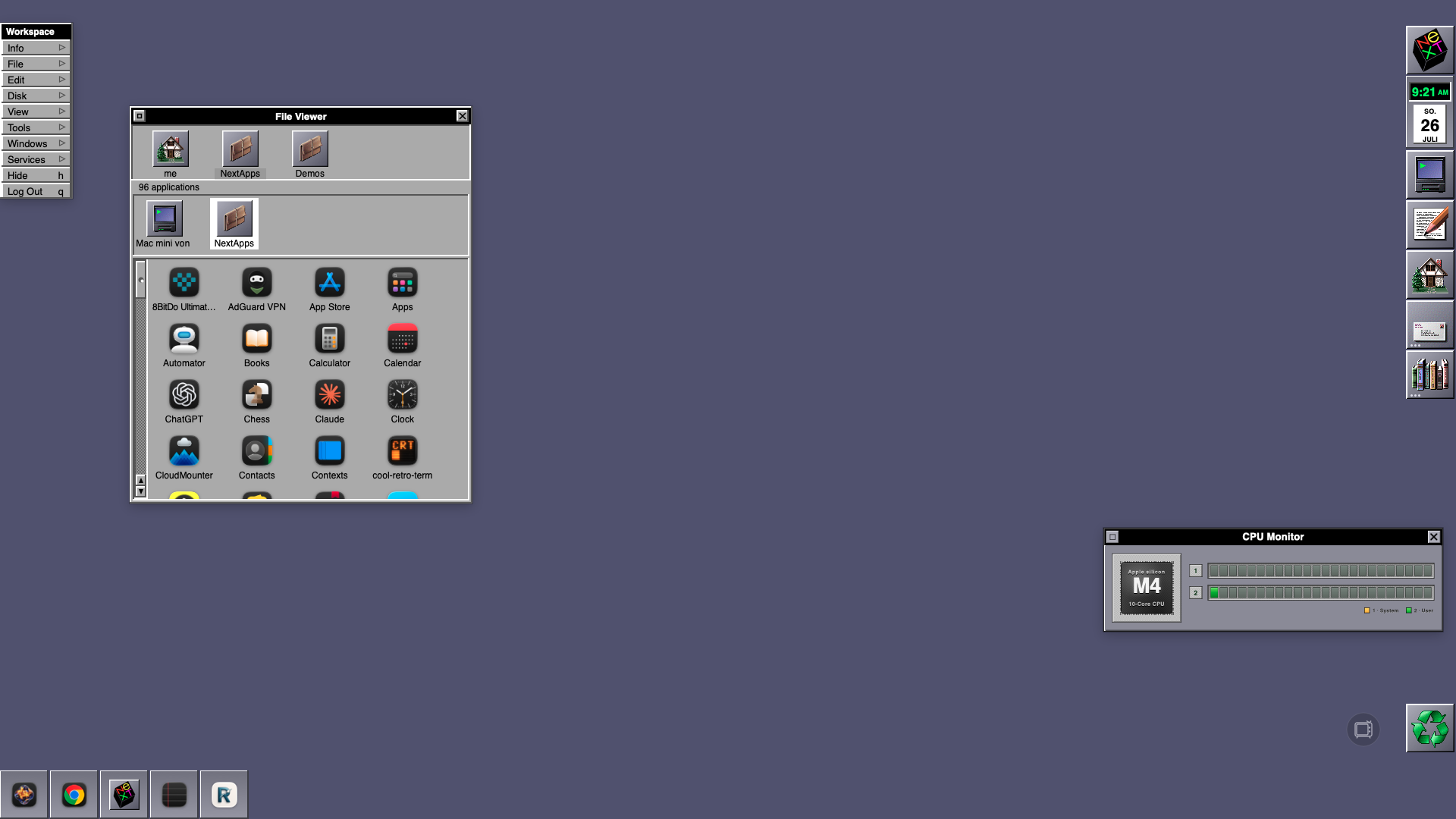
NeXTSTEP
1989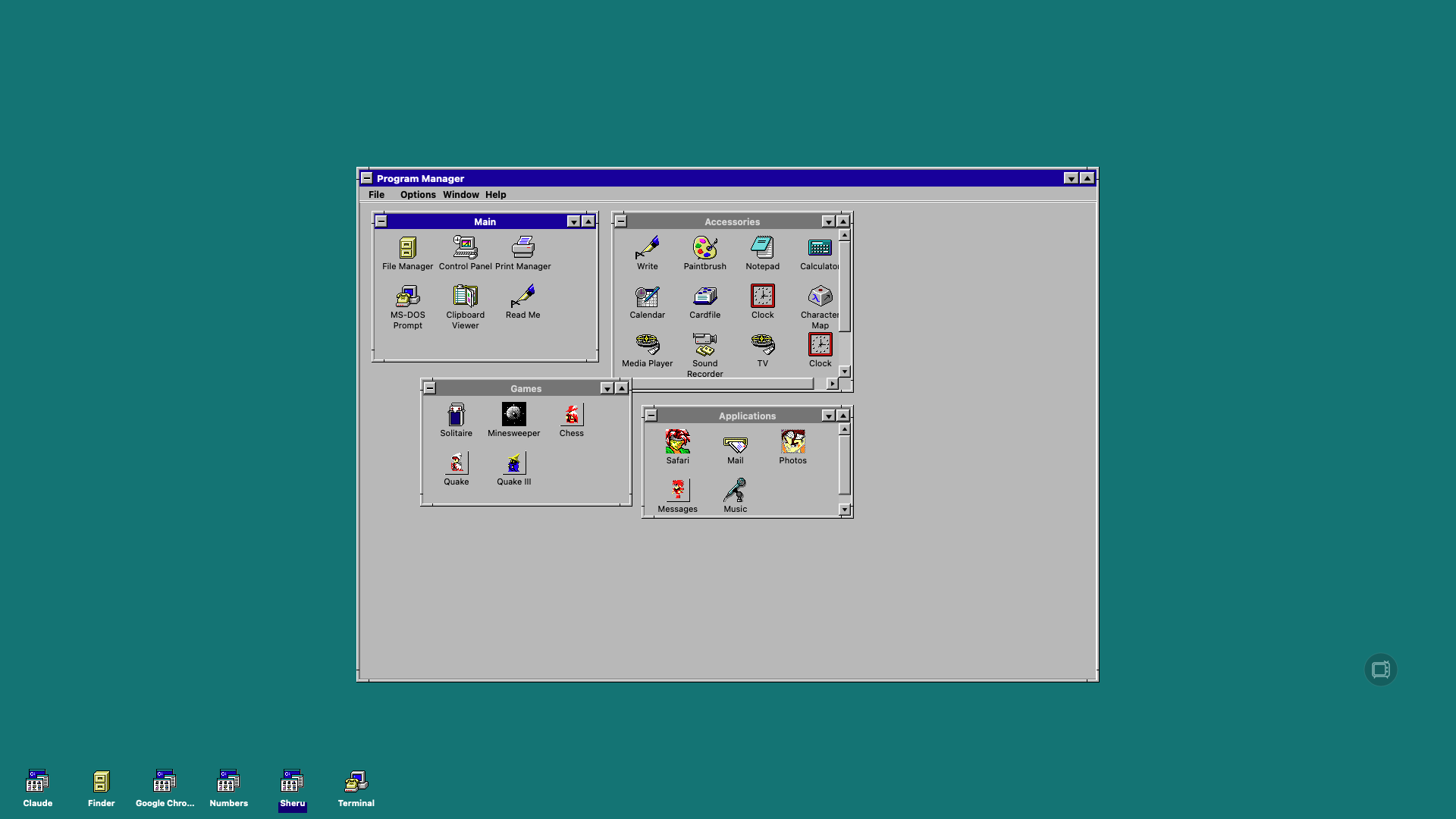
Windows 3.1.1
1992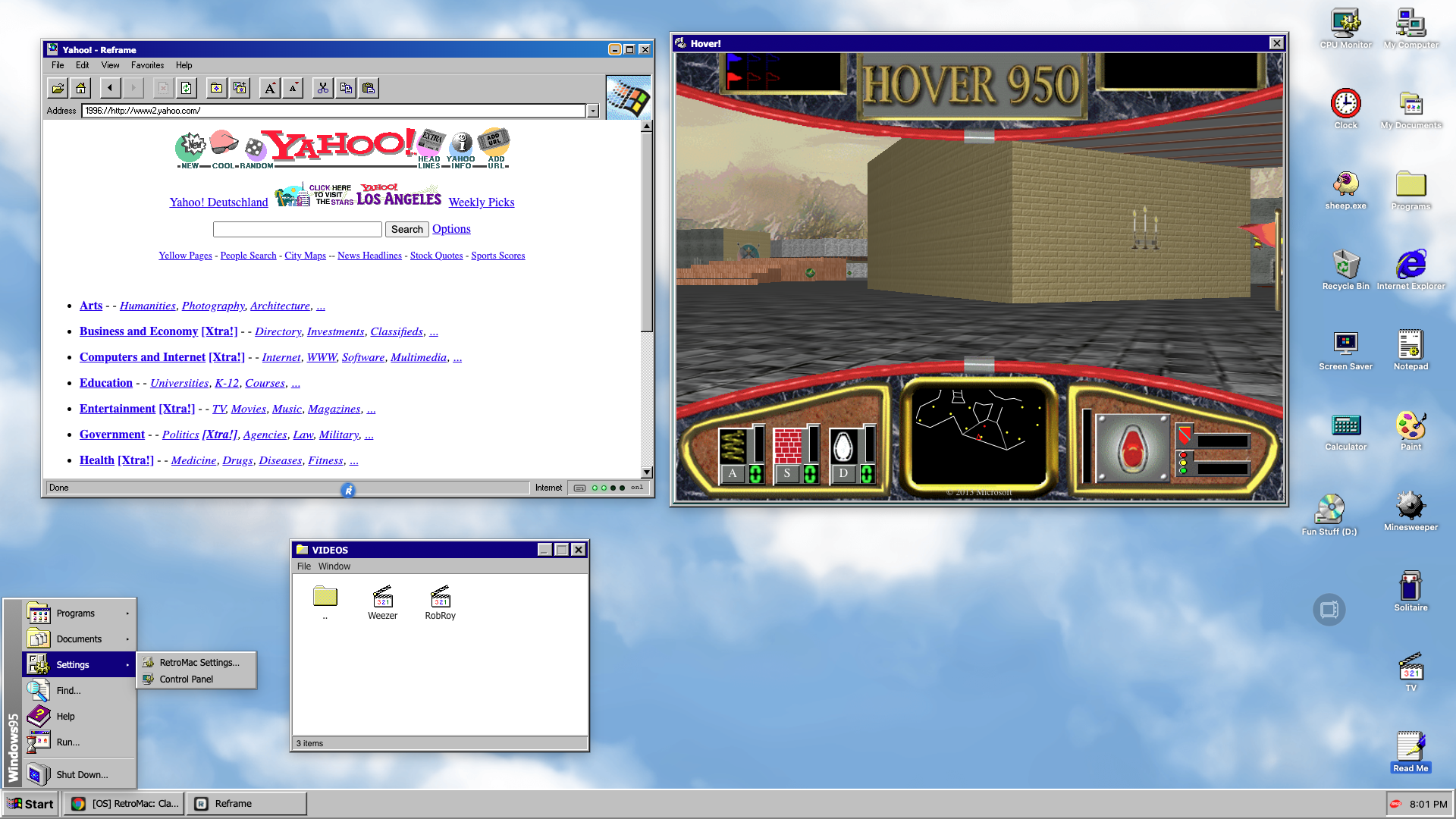
Windows 95
1995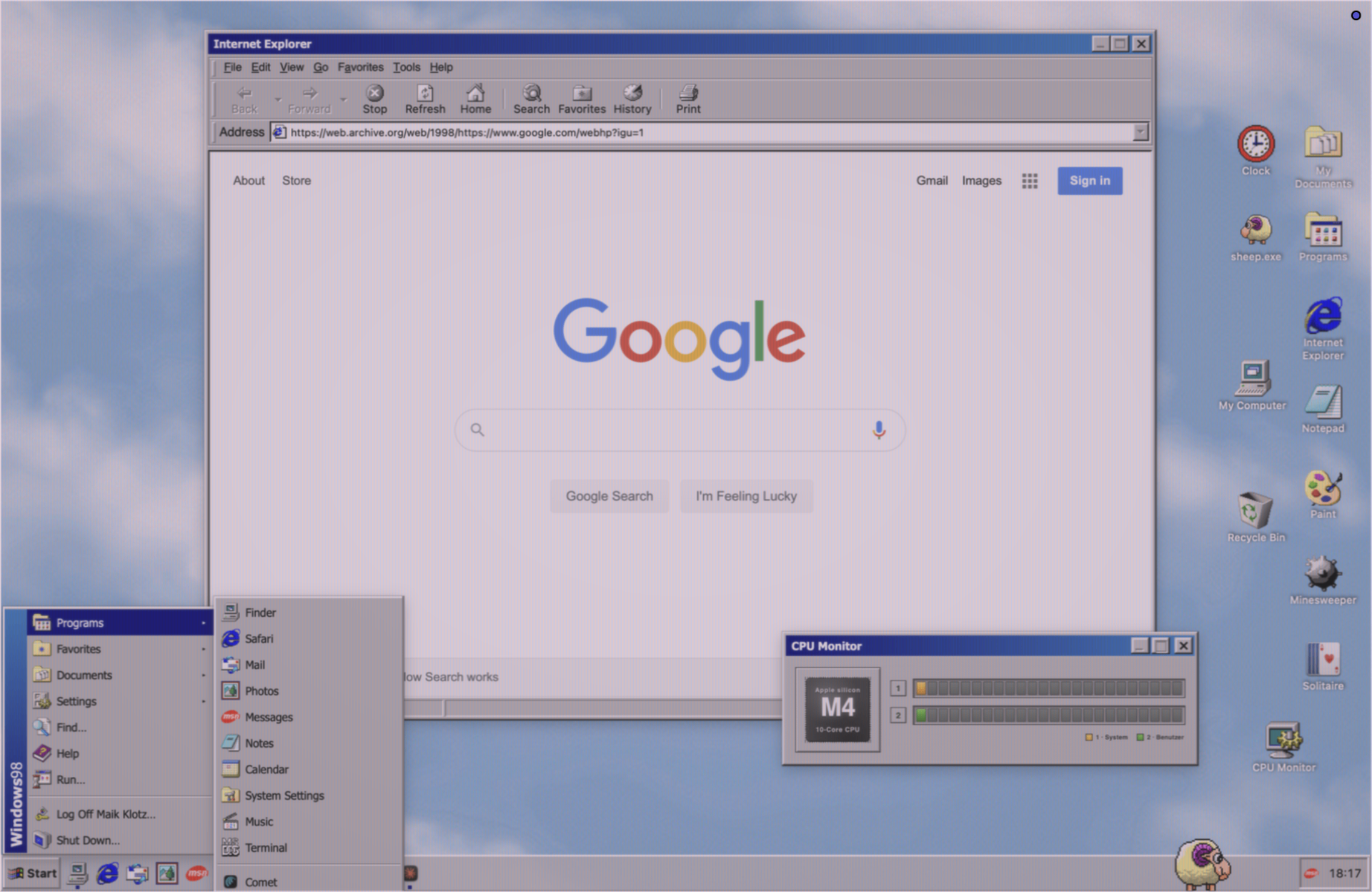
Windows 98
1998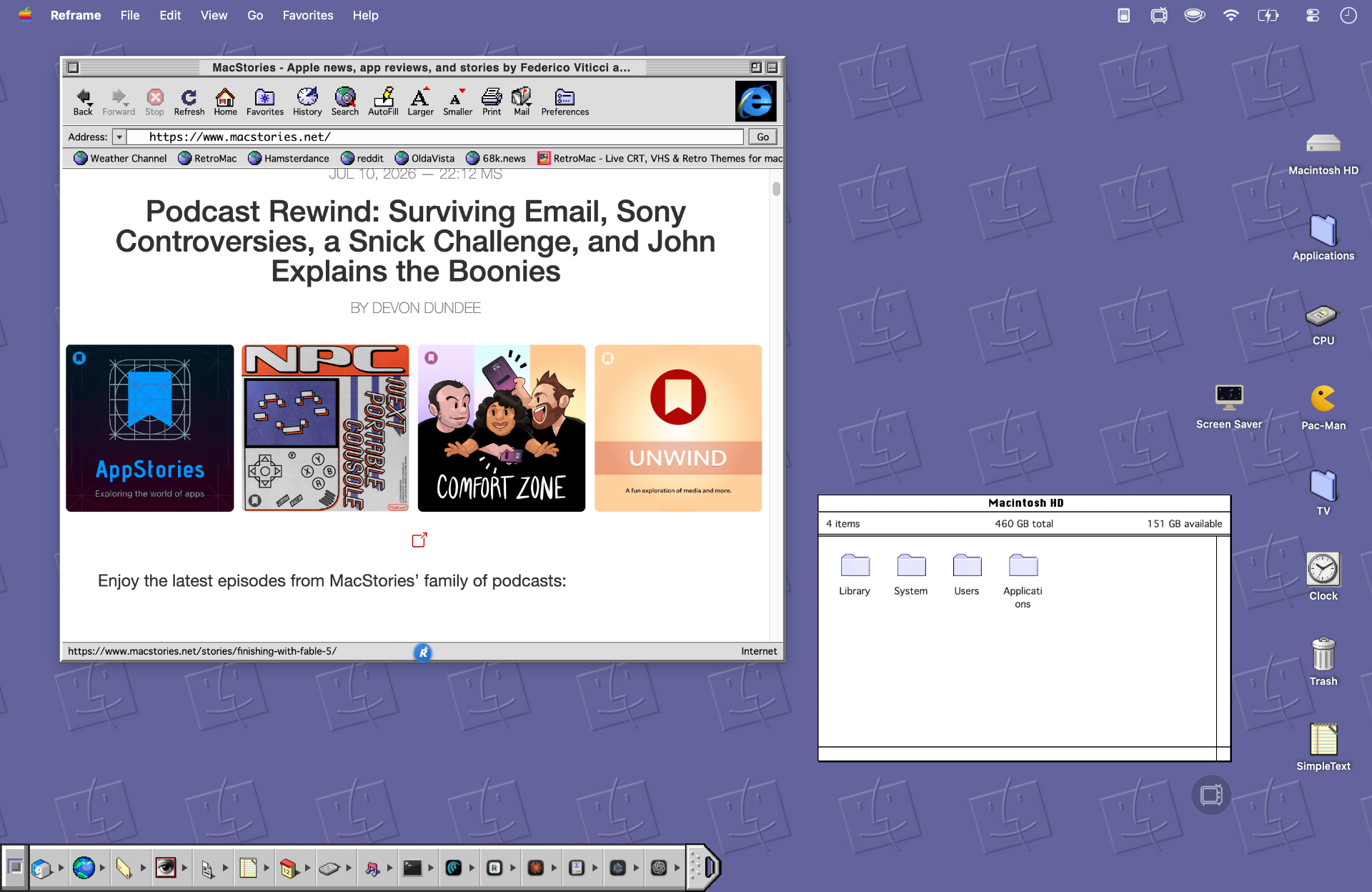
Mac System 9
1999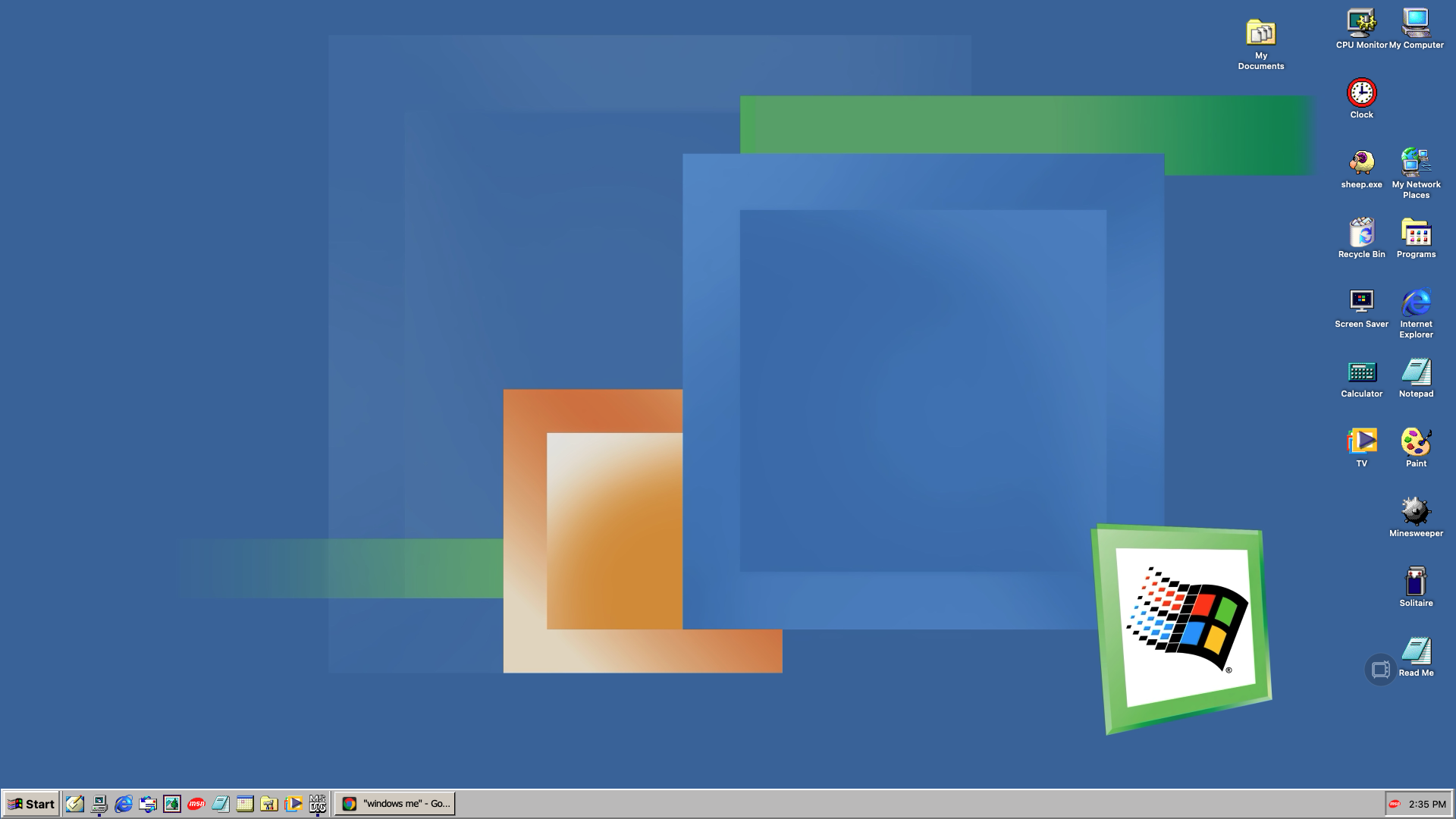
Windows ME
2000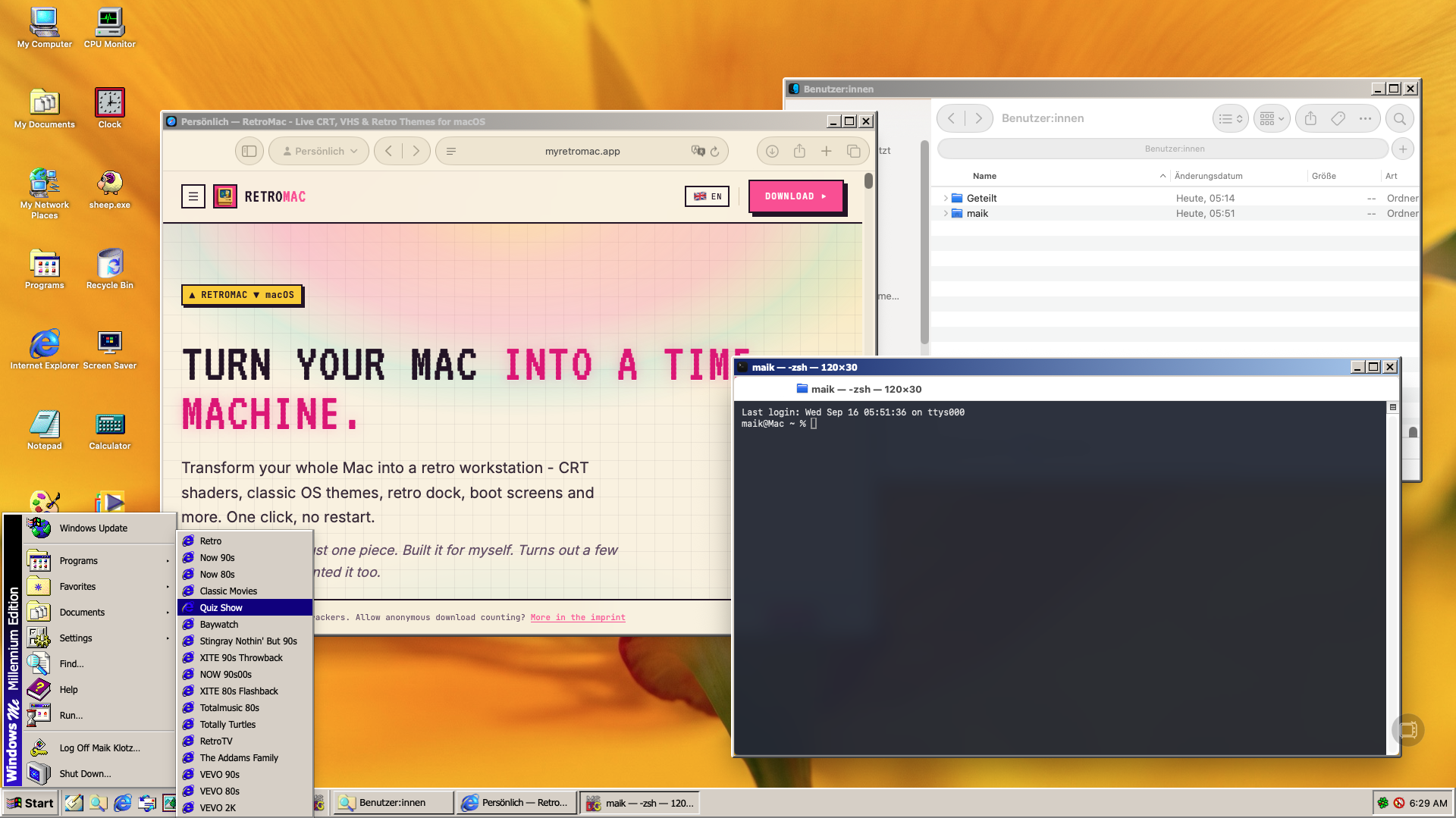
Windows Me (with authentic Titlebar)
2000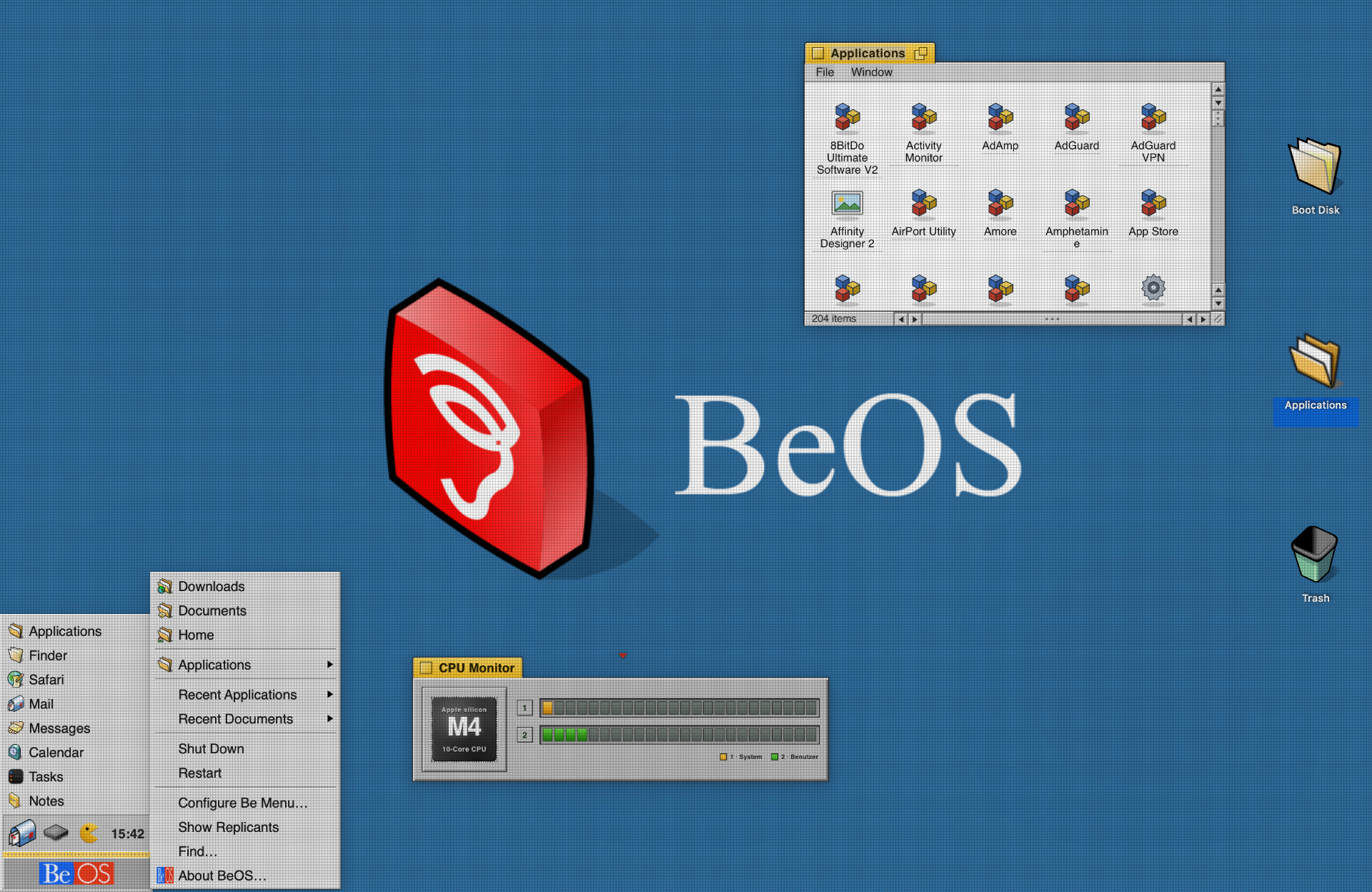
BeOS
2000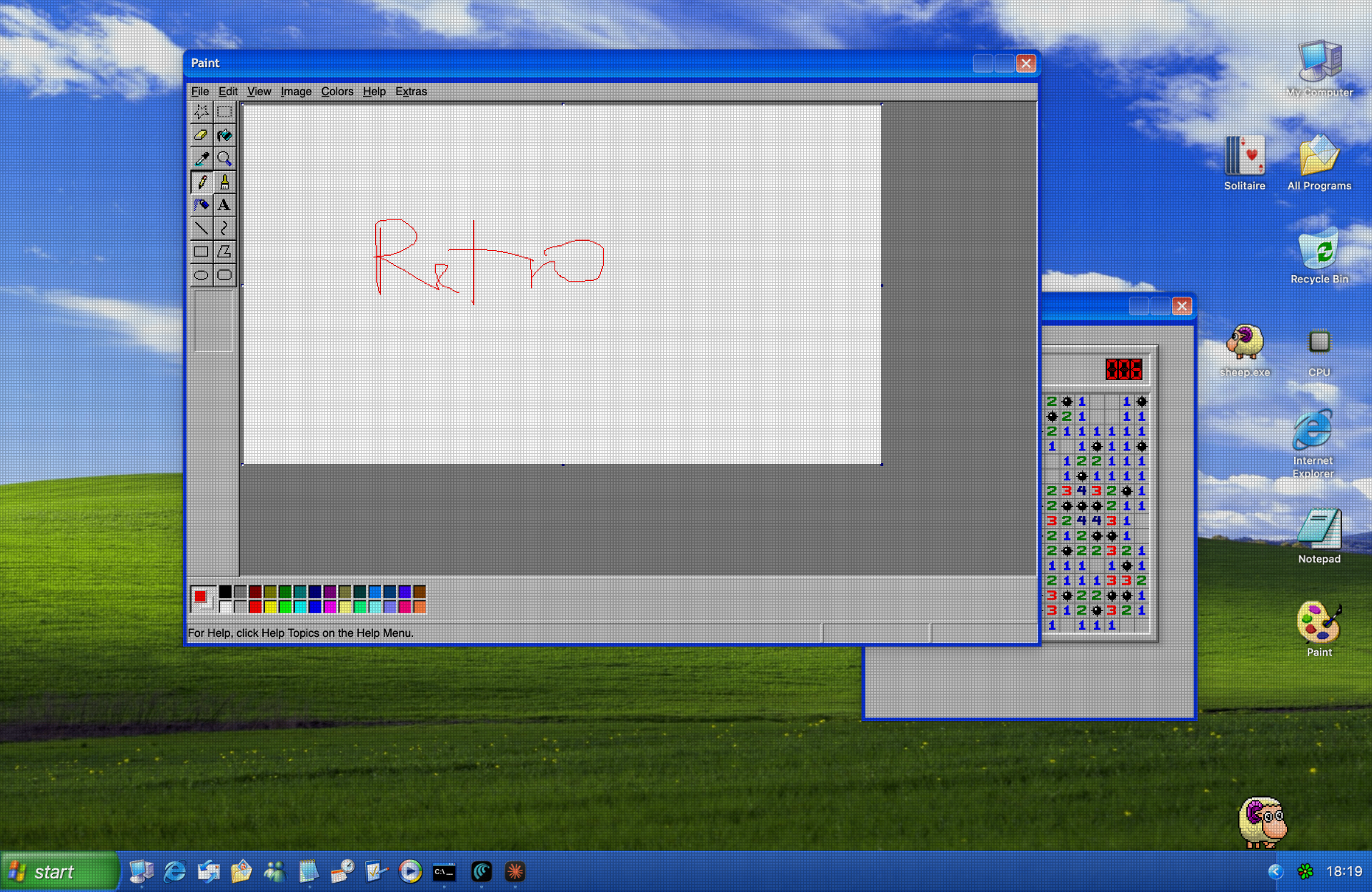
Windows XP
2001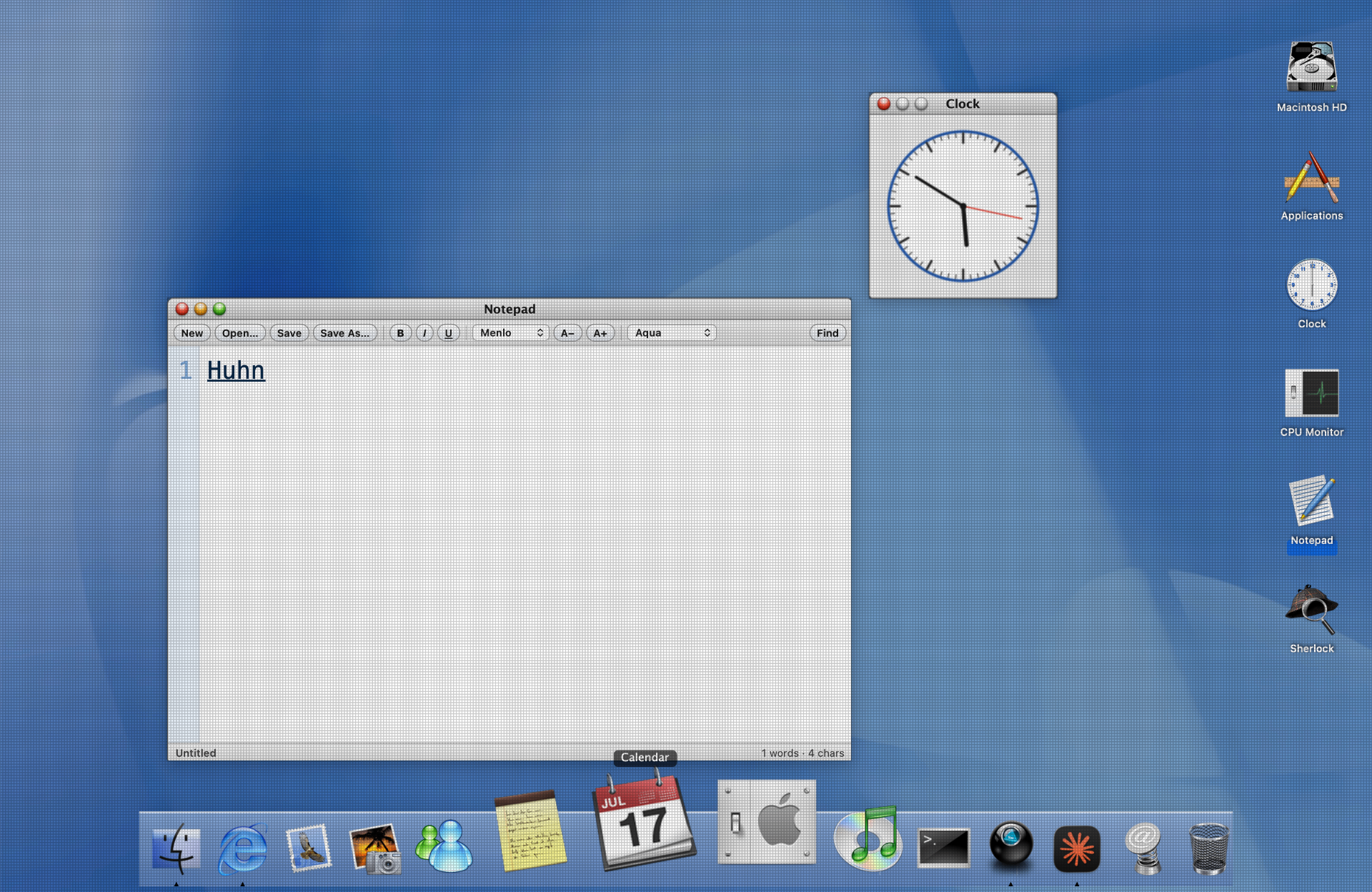
Mac OS X
2001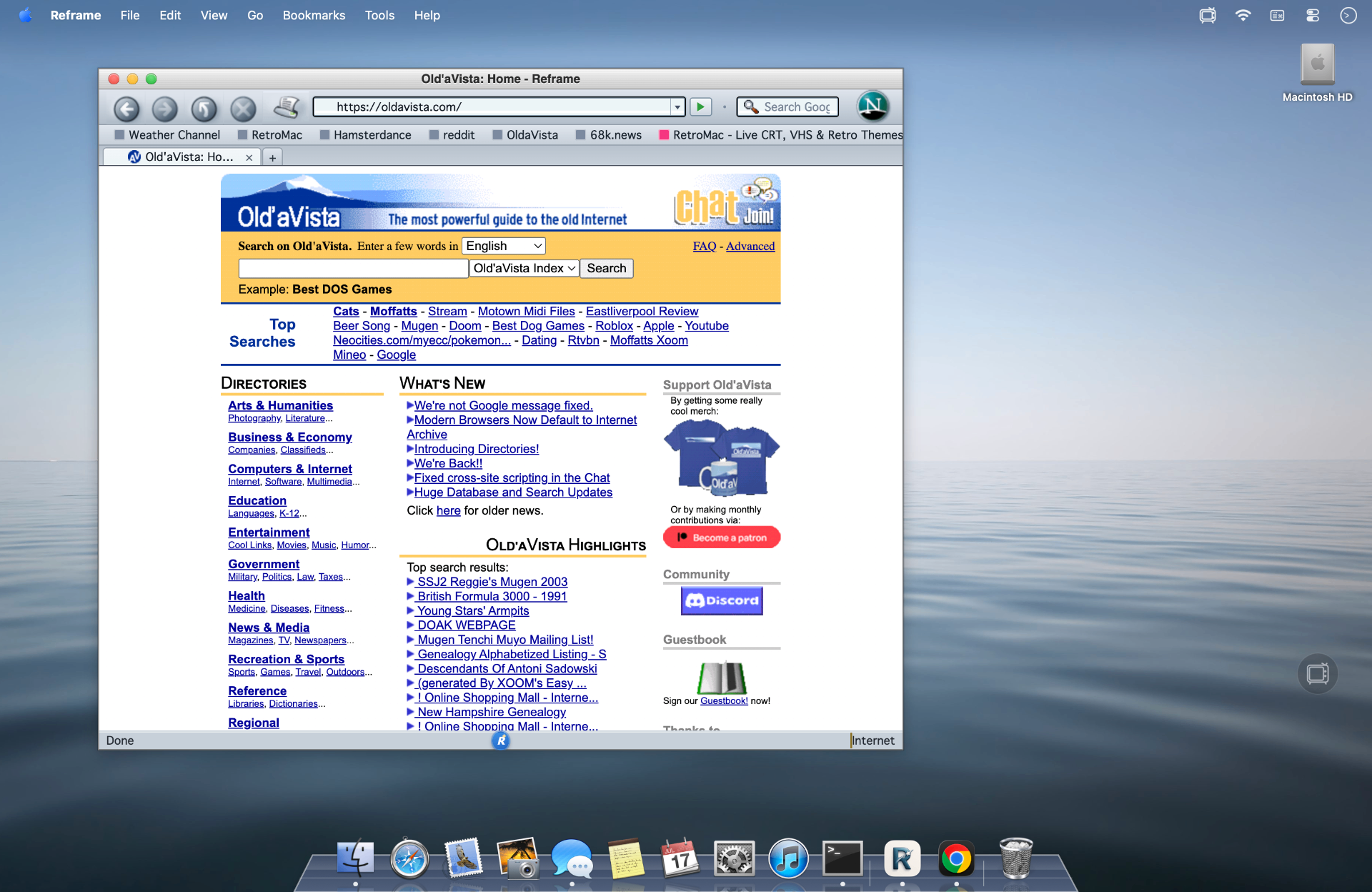
Snow Leopard
2009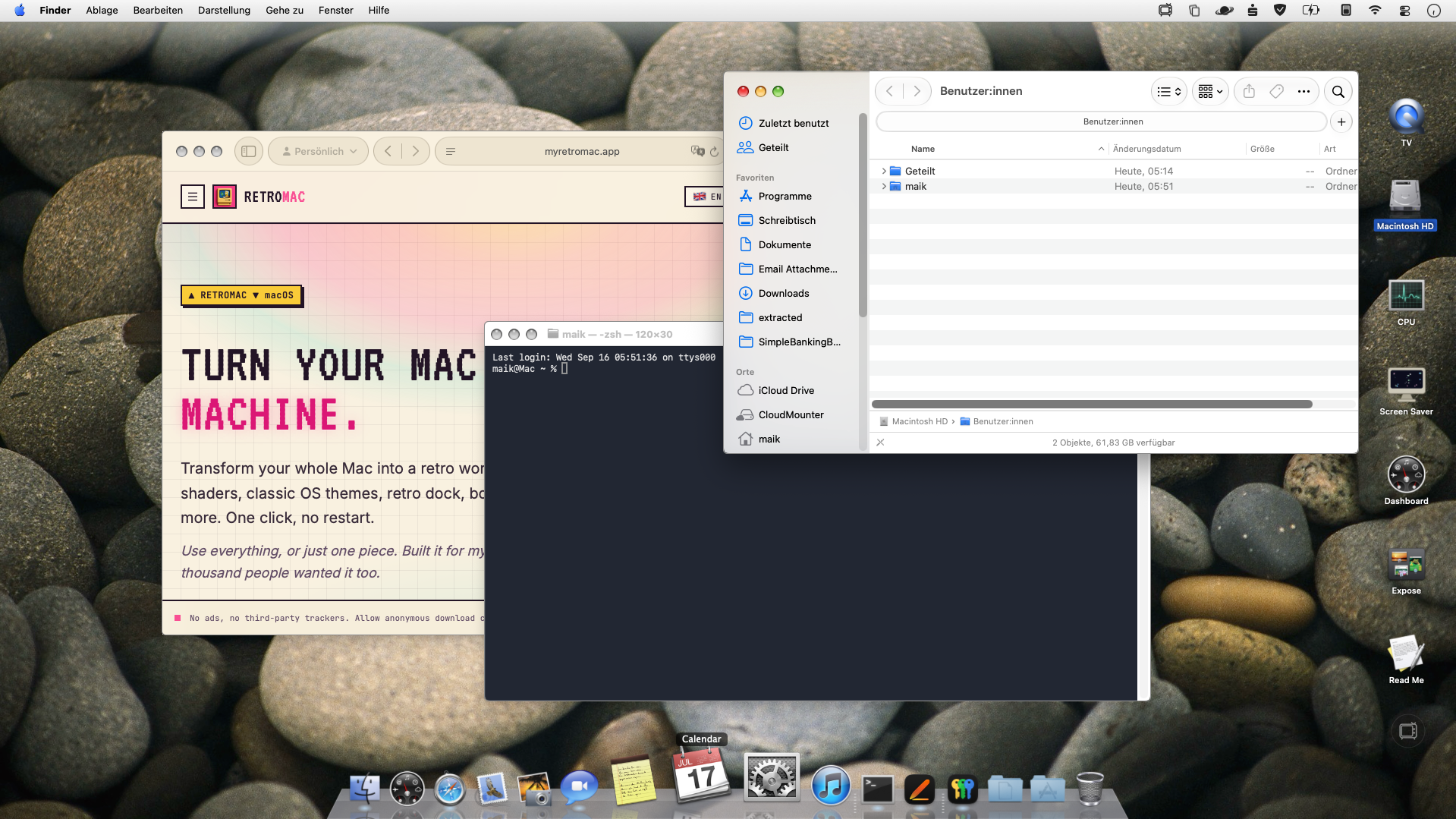
Snow Leopard (with authentic Titlebar)
2009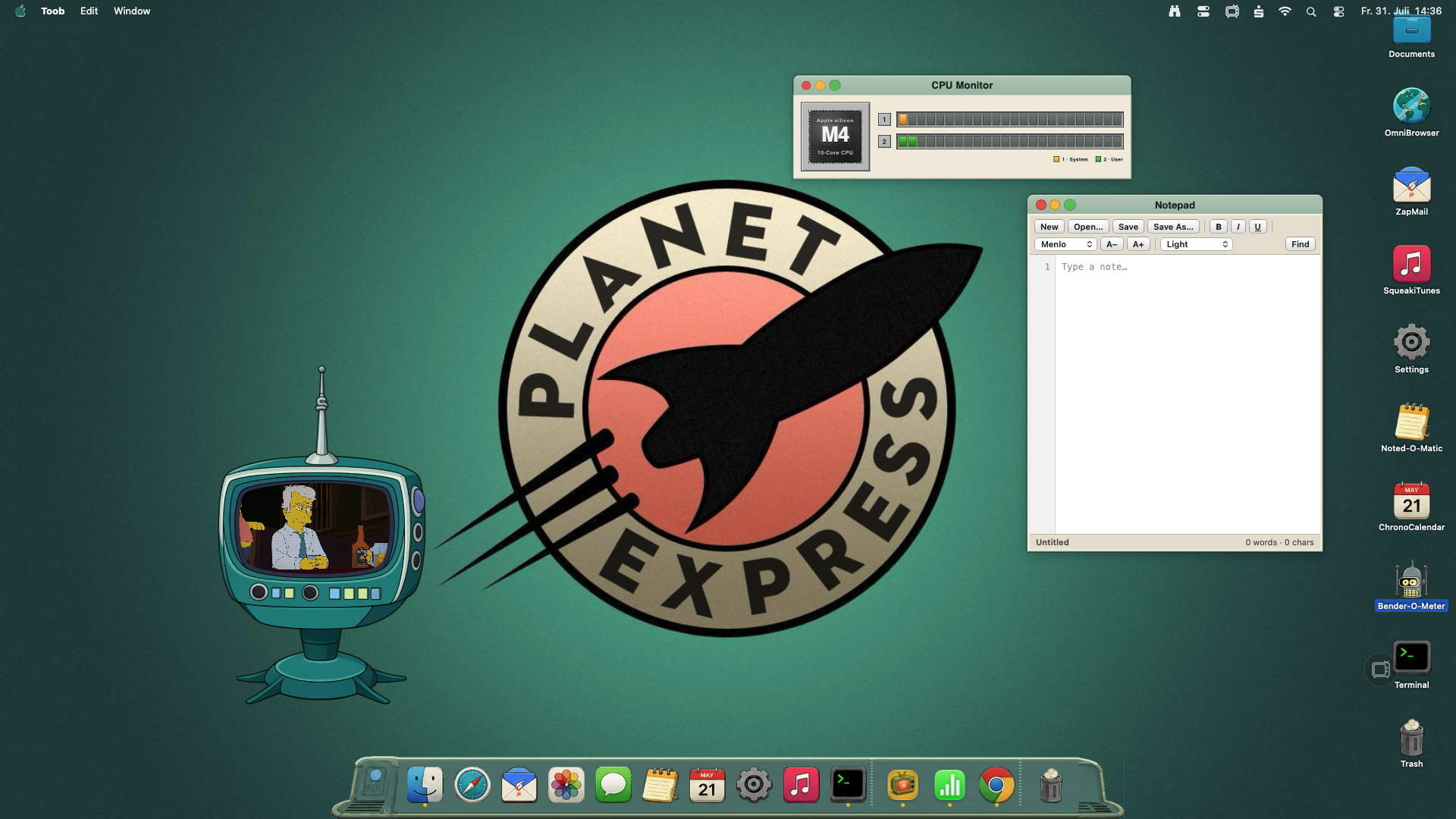
Futurama
3000◆ THE WHOLE DESKTOP ◆
The complete overhaul.
Not just a filter. RetroMac can rebuild the full desktop with authentic title bars, menus, windows and a dock that reacts to the shader.
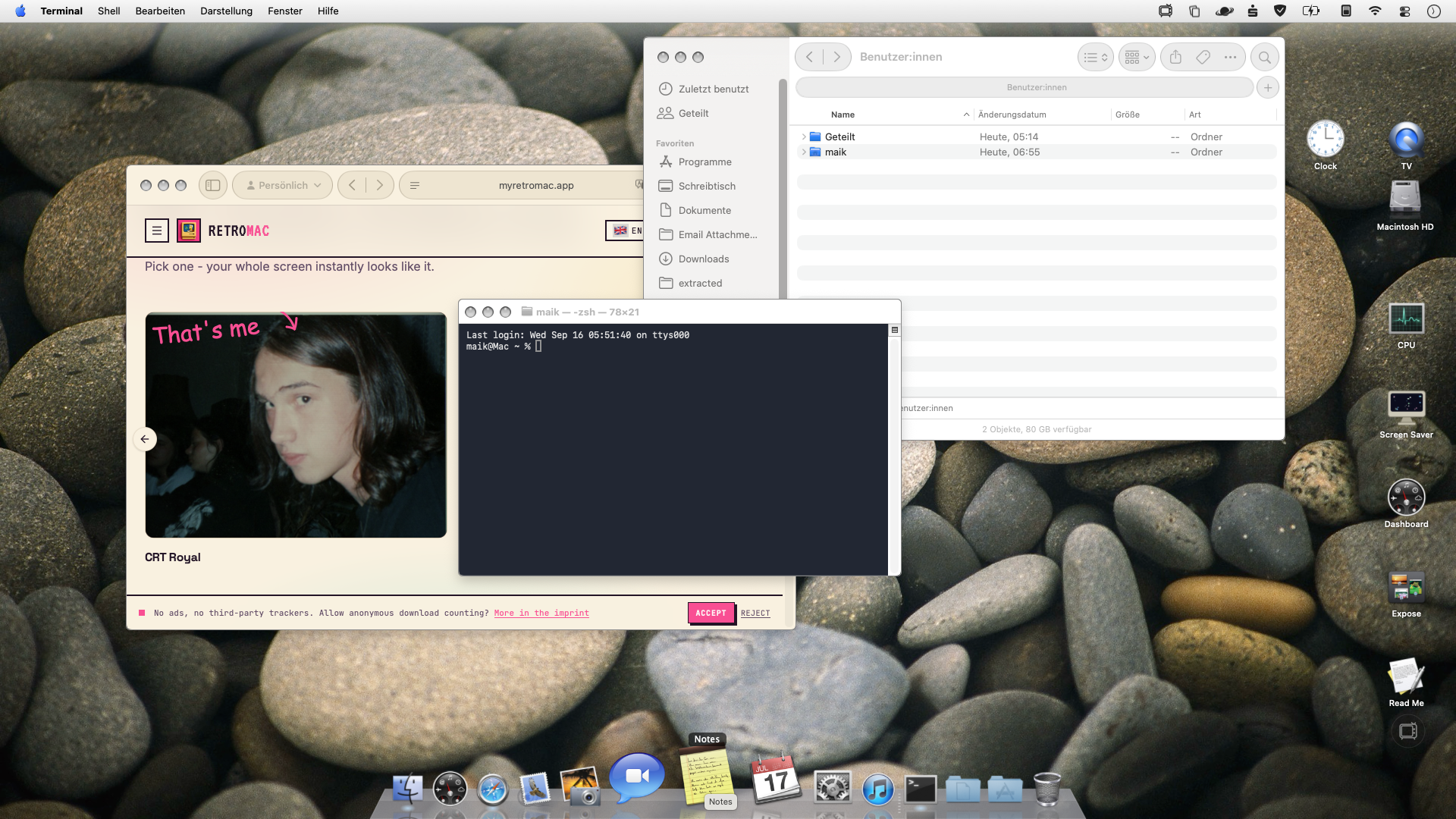
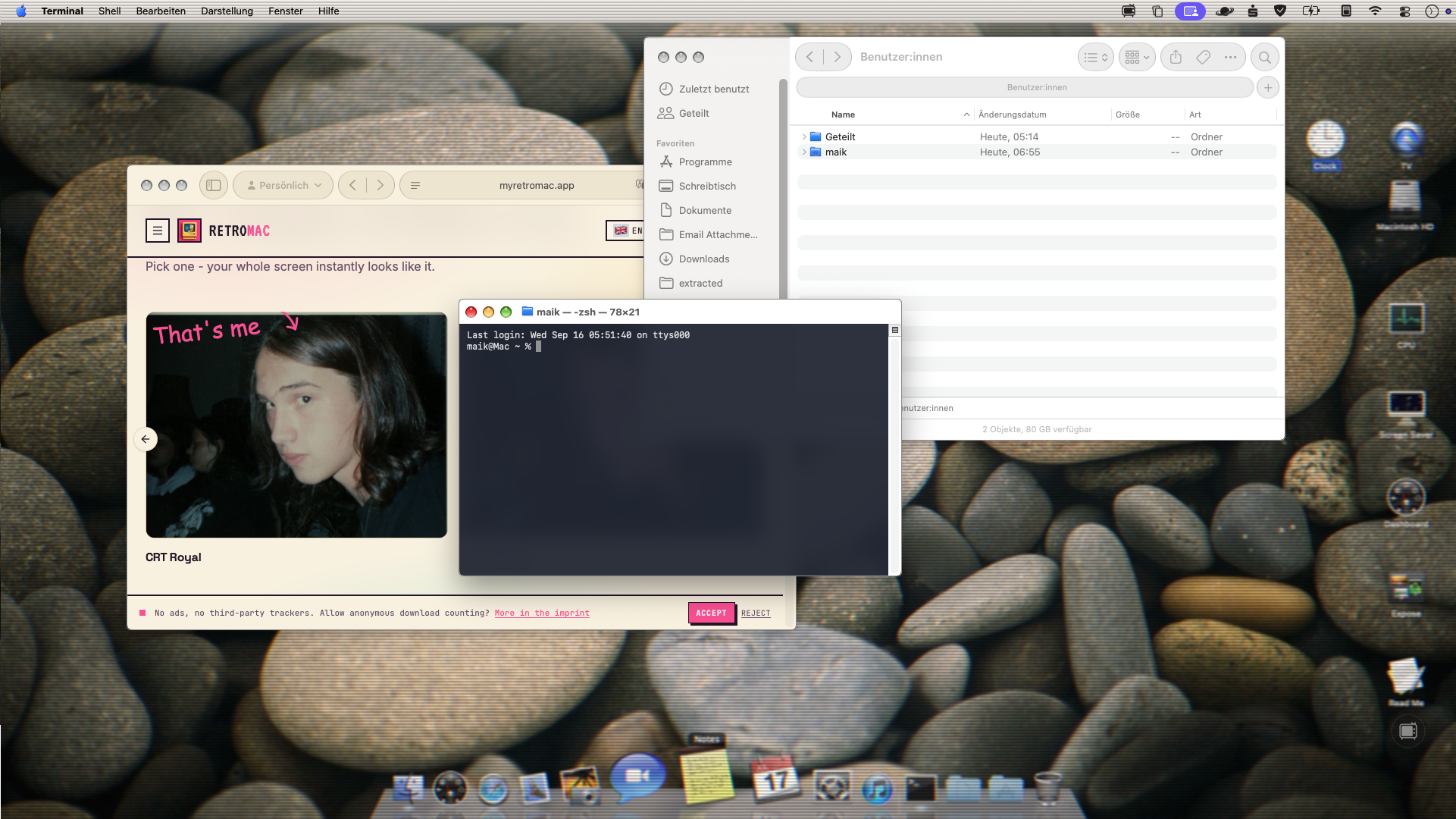
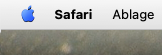
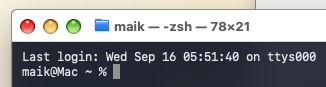
01 · Apple menu detail02 · Authentic Terminal title bar03 · Dock with live shader
Your dock from back then. Today.
Pick your favorite dock from the classic Mac and Windows years. Custom icons, clock and transparency - exactly your way.
Mac OS 6 (monochrome)
1988

Mac OS 6 (reinvented)
1988

Windows 3.1
1992

Windows 98
1998

Mac OS 9
1999

Mac OS X
2001

Windows XP
2001

Snow Leopard
2009

Futurama
3000

Maik's FavouriteANIMATED
Animated
Maik's Favourite IIANIMATED
Animated

◆ RETRO TV & TUBE MODE ◆
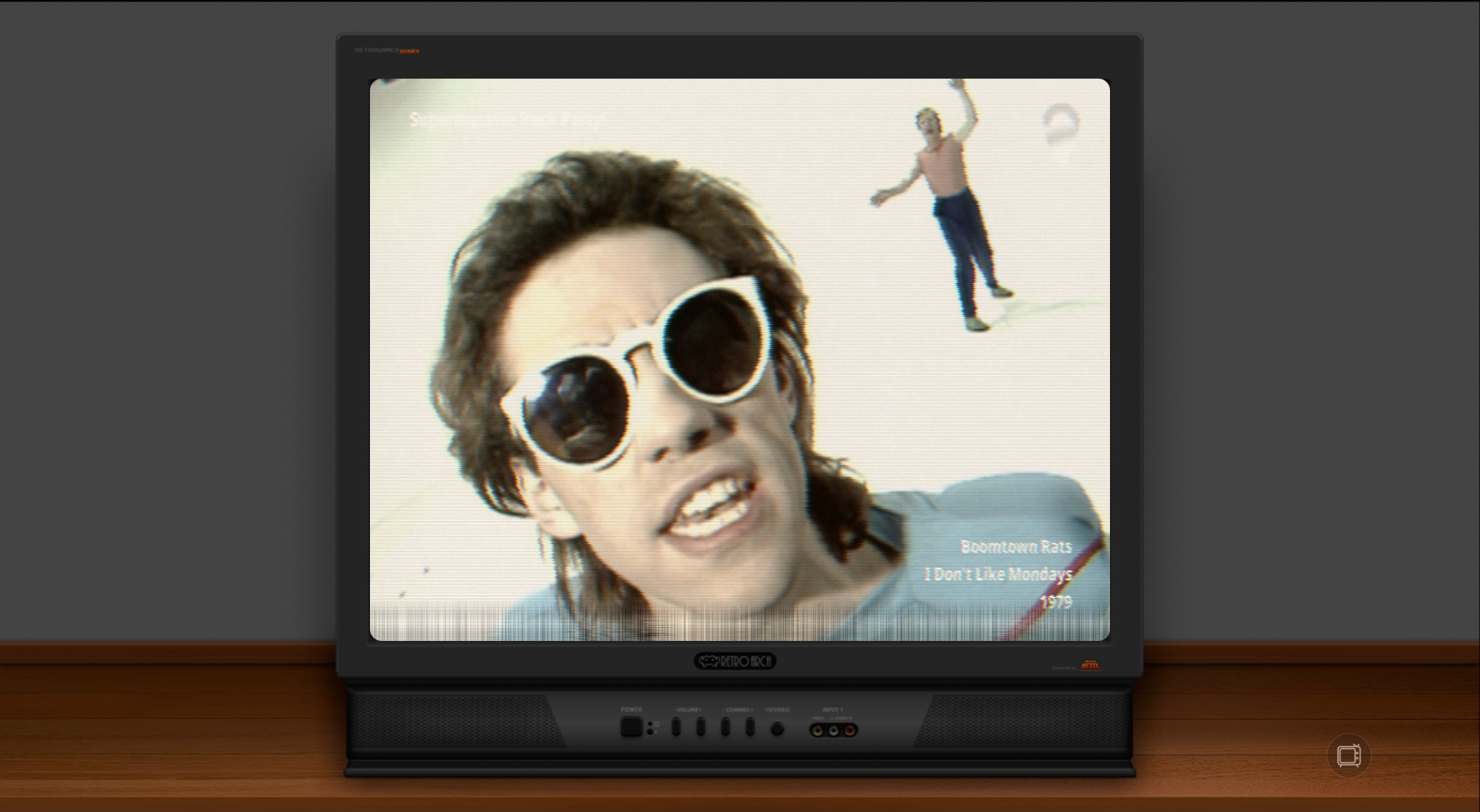
Watch anything through a tube.
Turn YouTube, IPTV feeds or your own web bookmarks into a little retro television. Runs on its own - no theme required.
- 01
TV Bookmarks
Save channels once, switch with a keystroke. Works with any web URL.
- 02
M3U & Web Streams
Point it at any M3U/M3U8 playlist or a live web stream. Real IPTV, real CRT frame.
- 03
Tube Mode Fullscreen
Double-click for immersive fullscreen. Themed bezels, shaders per channel, always-on-top when you want it.
◆ WHAT RETROMAC DOES ◆
What RetroMac does.
Every part is optional. Turn on what you want, when you want.
- 01
CRT & Shader Effects
30+ live shaders - CRT, VHS, LCD, Trinitron, amber terminal - on your whole screen, one display or a single window.
- 02
Classic Themes
Windows 98, XP, Mac OS 9, Mac OS X, BeOS, Snow Leopard and more. Period-correct desktops, icons, chrome - and matching cursors and pointers swap in with every theme.
- 03
Retro Dock
Replace or extend the macOS dock. Mac OS 9 Control Strip, XP Taskbar, or Maik's Favourite with Pac-Man patrolling the icons.
- 04
Boot Screens & Screensavers
Real .saver modules and boot splashes per theme. 3D Pipes, Flying Toasters, Flurry - the whole 90s energy.
- 05
Desktop Widgets & Classic Surfaces
Clocks, CPU monitors, notepads, Program Manager and Deskbar-style shells. Small pieces of the past on your modern desktop.
- 06
Retro TV & Tube Mode
Turn any web or M3U stream into a retro TV window. Themed bezels, per-channel shaders, immersive fullscreen.
- 07
Launcher, Menu Bar & Hotkeys
Menu bar app with floating launcher, quick-access flyout and hotkeys for every mode. Stays out of the way until you need it.
- 08
Safe & Reversible
Health Check, wallpaper restore, dock restore. Your Mac is always one click away from its normal self.
- 09
Retro Game Library
Launch shareware classics and emulated favorites from the era - DOOM, Quake, Commander Keen, Wolfenstein 3D and more. Each game comes pre-matched with the right CRT filter.
- 10
Retro Glitches & Crashes
Add harmless, random emulated system moments - a blue screen here, a kernel panic there, a classic error dialog. Pure nostalgia, zero actual crashes.
Also included: Virtual Camera for Zoom, Meet, Teams & OBS · Custom presets · Per-app rules · Classic screensavers and boot screens.
◆ YOUR MAC STAYS A MAC ◆
One click, everything back to normal.
Health Check, wallpaper restore, dock restore and menu-bar recovery are built in. Try any theme without fear - your Mac is always one click away from its normal self.
◆ FROM THE BLOG ◆
See all posts →Guides, tutorials, retro field notes.
How to get an authentic CRT look, how to turn a Mac into Windows 98, and which retro tools actually hold up in 2026.
- Oct 21, 202601 / 03
A Theme Is Only Half the Setup: It's the Apps That Complete the System
RetroMac handles your Dock, wallpaper, cursor and desktop. But a retro setup only feels real once the apps match. Here's how the Games & Apps Hub, the Retro Family and a few new friends close that gap.
Read more → - Sep 21, 202602 / 03
RetroMac 2.8.6: Mac OS 9, down to the Control Strip
Mac OS 9 shipped in October 1999 and got a funeral on stage three years later. Version 2.8.6 rebuilds it properly: the Control Strip, an app launcher in the menu bar, platinum chrome. Plus real title bars for your own apps, now out of beta, and Live Wallpaper Plus.
Read more → - Sep 2, 202603 / 03
Sneak preview: Windows Me turns 26, retro crashes, new streams and a new Game Library
Windows Me shipped on 14 September 2000, so its theme got the most thorough rework RetroMac has had so far. And the next release can crash on purpose, without anything actually crashing.
Read more →
◆ FROM USERS ◆
What people are saying.
Real reactions from r/macapps and friends.
"Wow. Just wow. Love the idea and the styles… Back 2 the future!"
"damm... feel like very old. like a adult in Crayon Shin-chan: The Storm Called: The Adult Empire Strikes Back. without further ado, SHUT UP TAKE MY MONEY!"
"Absolutely love the shaders on this app, it's excellent and couldn't have come better. Bought and paid to support further development."
"Well worth investing in. The application provides a visual change that doesn't break the security below. Can't wait to see refinement to shaders. Impressive work"
"Wow it's almost like you reimplemented the dock. I've never seen that done before."
"Love RetroMac, brings back memories of vintage Mac OS days gone by and the virtual camera effects are super cool for creating content. Not to mention playing some old video games like Doom and Duke Nukem."
"Nice one! Windows XP looks hilarious on my MacBook."

◆ HI ◆☕ buy me a coffee
Made by one person
Hi, I'm Maik - an indie dev from Germany.
I built RetroMac because I missed the warm CRT glow of the computers I grew up with. It started as a tiny weekend hack just for me, and quietly turned into the thing on this page.
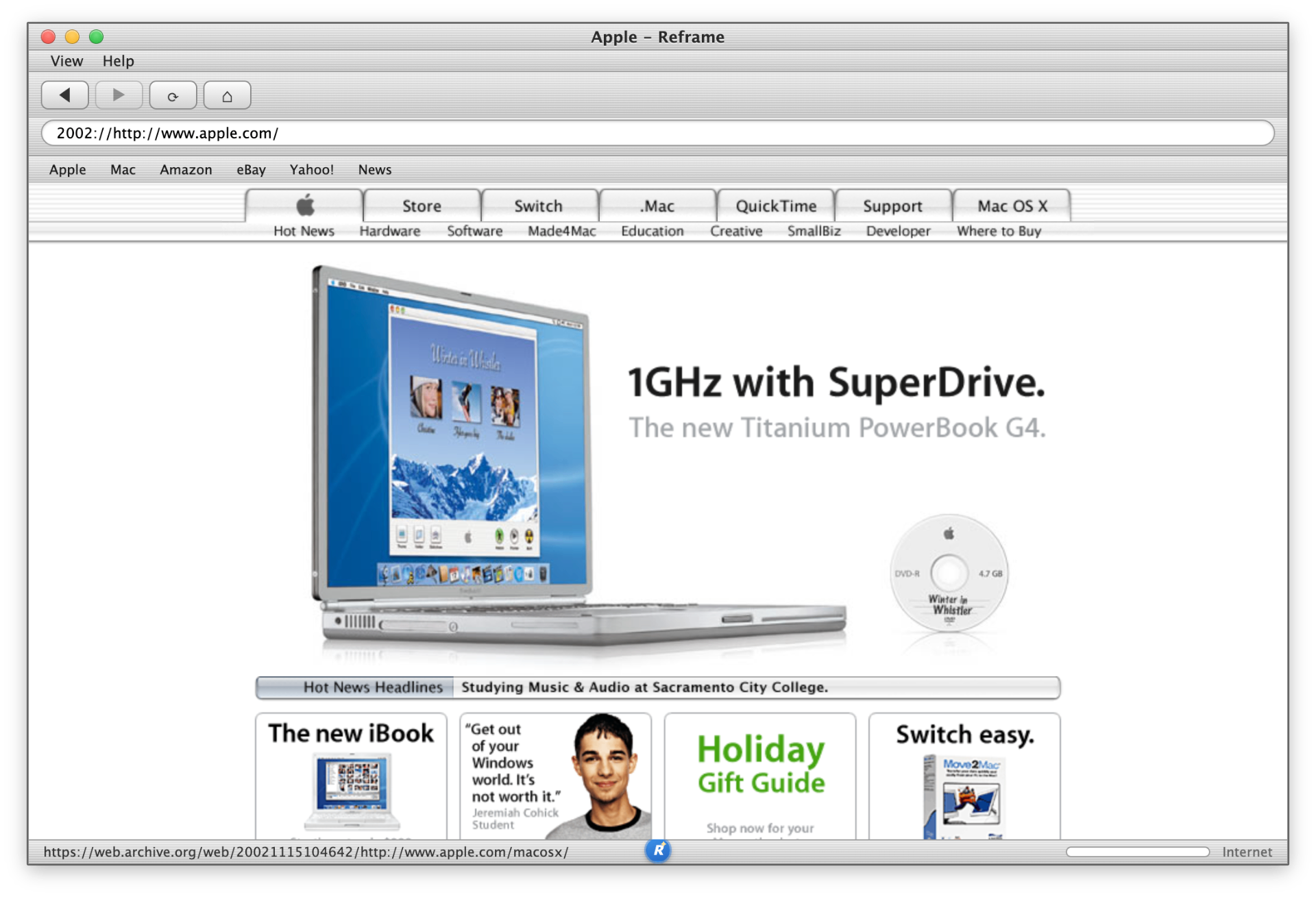
I also build Reframe, a free open-source browser with the chrome of 1999 - from the same workshop. RetroMac itself is free; the optional Pro unlock is a one-time payment - no VC, no subscription, no roadmap meetings.
RetroMac at a glance
- Platform
- macOS 14+ (Apple Silicon & Intel)
- Type
- Menu bar app
- Effects
- 30+ live CRT / VHS / LCD shaders
- Themes
- Win 98/XP, Mac OS 9/X, BeOS, Snow Leopard
- Price
- Free, optional €8.88 one-time Pro
- Privacy
- No account, no subscription, no tracking

Stuff people ask.
From the same workshop
Reframe
Surf the modern web with the browser chrome of 1999. Free & open source, the perfect companion to RetroMac.
Explore Reframe →